StyleSmuggler is actively backdooring Magento stores: Guide to detecting if your store is already compromised
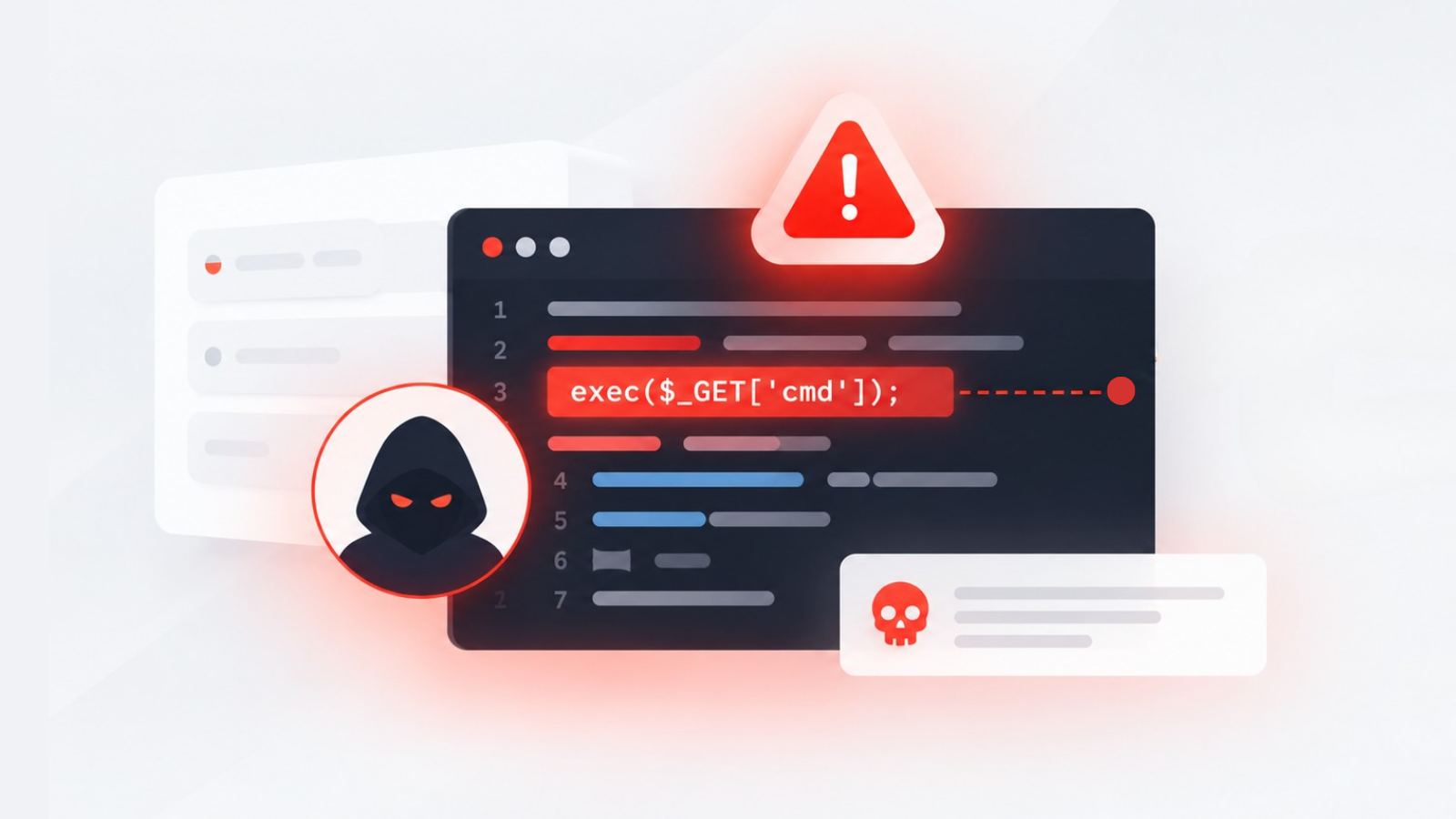
StyleSmuggler zero-day vulnerability is actively being used to backdoor Magento and Adobe Commerce stores. StyleSmuggler (CVE-2026-75650) is a CVSS 10.0 unauthenticated remote code execution vulnerability in Adobe Commerce and Magento Open Source that attackers have been exploiting since September 4, 2026. Adobe released the APSB26-146 emergency hotfix on September 7. Applying the hotfix stops new attacks but does not remove backdoors already installed. Every store that was online between September 4 and the moment the hotfix was applied should be treated as potentially compromised until scanned and credentials are rotated.
StyleSmuggler (CVE-2026-75650) is a CVSS 10.0 zero-day that gives unauthenticated attackers full remote code execution on Adobe Commerce and Magento stores through the payment email template system. Active exploitation began September 4, 2026. Adobe released emergency hotfix APSB26-146 on September 7. If you run any version of Adobe Commerce or Magento Open Source from 2.4.4 through 2.4.9, your store may already be compromised, even if every previous patch was applied.
What makes StyleSmuggler different from every previous Magento vulnerability
Most Magento exploits require some form of authentication, a vulnerable extension, or customer-side interaction. StyleSmuggler requires none of these.
According to Sansec, who discovered and named the vulnerability, the attack works in two stages:
- Log poisoning: The attacker triggers a crafted failed payment attempt that injects malicious PHP code into Magento's exception or failure report logs.
- Template rendering execution: When Magento renders the failed payment notification email, its template engine processes the poisoned log content and executes the injected code.
The critical detail: the malicious code runs during email rendering; nobody needs to open the email. The code executes on the server the moment Magento processes the failed payment event.
This means:
- No admin credentials needed
- No vulnerable extension required
- No customer interaction necessary
- No visible error in the admin panel
- A fully patched store (the first known victim ran 2.4.6-p15 with July and August 2026 security patches) was still compromised
Recognisable symptoms of a compromised store
Because StyleSmuggler installs persistent backdoors, the symptoms may be subtle and varied. Look for these storefront-level indicators:
- Unexpected checkout behaviour: Customers reporting intermittent payment failures, unusual redirects during checkout, or checkout pages loading slowly
- Modified email templates: Payment failure notification emails containing unexpected content, scripts, or external resource references
- New or modified files: Unusual PHP files in the
var/,pub/media/, orgenerated/directories, particularly files that do not match known Magento core or extension signatures - Unexplained admin accounts: New administrator accounts or changes to existing admin credentials
- Altered .htaccess or web server configuration: Redirects, proxy rules, or access controls that were not intentionally configured
- External network connections: Server-side connections to unknown IP addresses or domains, visible in server access logs or network monitoring
- Customer data anomalies: Unusual patterns in customer account activity, unexpected password reset requests, or reports of compromised accounts
Immediate containment and diagnostic steps
Step 1: Apply the APSB26-146 emergency hotfix
Adobe's hotfix (VULN-39341) covers all versions from 2.4.4 through 2.4.9. Apply it immediately. This stops new exploitation attempts but does not remove existing backdoors.
Download the hotfix from the Adobe Experience League security bulletin.
Step 2: Scan for compromise indicators
Check for poisoned log files:
grep -r "eval\|base64_decode\|system\|exec\|passthru" var/log/ var/report/
Check for recently modified PHP files outside normal deployment:
find . -name "*.php" -newer app/etc/env.php -mtime -7 | grep -v generated | grep -v var/cache
Check for new or modified files in unexpected locations:
find pub/media/ -name "*.php" -o -name "*.phtml"
find var/ -name "*.php" -not -path "*/cache/*"
Step 3: Audit admin accounts
Review all admin user accounts. Any account created or modified after September 4, 2026 that you did not create should be treated as a compromise indicator.
bin/magento admin:user:list
Step 4: Check email template integrity
Review customised email templates for injected content, particularly payment-related templates. Compare against your version control baseline.
Step 5: Rotate all credentials
If any compromise indicator is found, or if your store was online between September 4 and the hotfix application:
- Rotate all admin passwords
- Rotate encryption keys
- Rotate API integration credentials
- Rotate database credentials
- Invalidate all active admin and customer sessions
Verification procedure
After patching and remediation:
- Verify the hotfix is active: Confirm the APSB26-146 patch appears in your applied patches list
- Test payment flows: Process test transactions through every active payment method and verify that failed payment emails render correctly without unexpected behaviour
- Monitor server logs: Watch for new exploitation attempts (the patch should block them, but monitoring confirms protection)
- Verify checkout integrity: Complete end-to-end test purchases on the live storefront and verify every step renders correctly
- Check structured data and feeds: Verify that product data, pricing, and availability have not been altered
Why this zero-day changes the monitoring conversation
StyleSmuggler is not a vulnerability you can prevent through better extension management or faster patching alone. The first known victim was fully patched. The attack requires zero authentication. The compromise is invisible to standard admin monitoring.
This shifts the security model from "patch and trust" to "patch and verify." Every store that was running Adobe Commerce or Magento Open Source between September 4 and the moment they applied the hotfix had an open window for exploitation.
The question is not whether you patched. It is whether you were compromised during the window before you patched.
Prevention and continuous monitoring guidance
The StyleSmuggler attack pattern, invisible compromise through a legitimate platform function, represents the hardest category of ecommerce security threat to detect. Prevention requires:
- Pre-deployment monitoring: Verify storefront behaviour, checkout flows, and file integrity before and after every patch application
- Continuous storefront monitoring: Detect the customer-facing symptoms of compromise (checkout anomalies, unexpected redirects, modified content) that no server-side scanner catches
- Real-time file integrity monitoring: Alert on new or modified PHP files outside deployment windows
- Email template monitoring: Verify that transactional email templates have not been modified without authorisation
- Network egress monitoring: Detect unexpected outbound connections from your application servers
StyleSmuggler shows why “patch and trust” is no longer enough. The compromise is invisible to standard admin monitoring and can persist after the hotfix is applied.
AuditIQ continuously monitors the exact signals this class of attack produces: new or modified PHP files outside deployment windows (File Integrity), unexpected scripts appearing on the storefront (Script Inventory), malware indicators, and checkout behaviour anomalies that customers notice before your team does. When a file changes or a payment-related template starts behaving differently, you are alerted before the next customer reports a problem.
Beyond these security checks, AuditIQ is a comprehensive eCommerce monitoring platform purpose-built for Magento, Adobe Commerce, and Shopify stores. It also covers uptime, real-user performance, technical SEO, GEO readiness, analytics, and Google Ads performance from a single unified dashboard.
Start with a complete storefront scan to close the gap between exploitation and detection that zero-days like StyleSmuggler exploit.
Others also read
- Adobe Commerce APSB26-92 is being actively exploited: How to detect?
- Three platforms, three critical patches, one week: Adobe, WooCommerce, WordPress
- Adobe Commerce's 14-vulnerability security patch exposes the monitoring gap
FAQs
1. Is my store affected if I applied all previous security patches?
Yes. The first known victim ran Magento 2.4.6-p15 with all July and August 2026 patches applied. StyleSmuggler exploits a previously unknown vulnerability. Apply the APSB26-146 hotfix immediately.
2. Does applying the hotfix remove existing backdoors?
No. The hotfix prevents new exploitation but does not clean up existing compromises. You must scan for and remove any backdoors installed during the exposure window.
3. How do I know if my store was compromised between September 4 and when I patched?
Follow the diagnostic steps above. Any store running Adobe Commerce or Magento Open Source that was accessible between September 4, 2026 and the hotfix application should be treated as potentially compromised until verified clean.
4. Does StyleSmuggler affect Magento stores behind a WAF?
Standard WAF rules may not block StyleSmuggler because the initial payload is delivered through a payment transaction attempt, a legitimate business function. Sansec's Shield product includes specific rules for this attack vector.
5. Which versions are affected?
Every version from 2.4.4 through 2.4.9, including all their respective patch levels and August 2026 builds, according to Adobe's APSB26-146 bulletin.
About the author
Dan Garner writes from AuditIQ's experience monitoring eCommerce performance, SEO, security, and reliability issues across Magento, Shopify, WooCommerce, and Adobe Commerce stores.