Shopify tracking scripts stop loading March 1, 2027: How to find which apps will silently lose conversion data
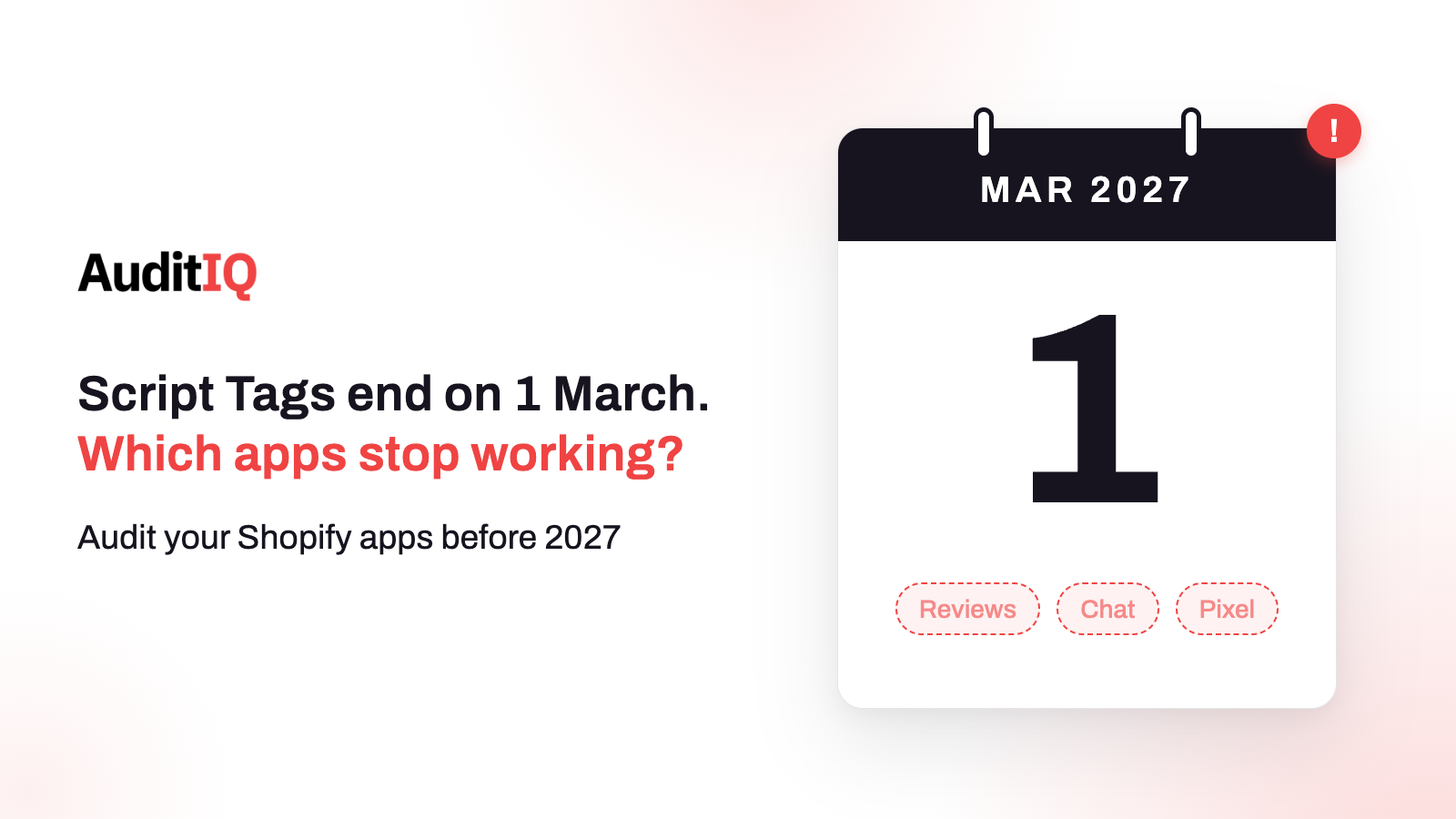
Shopify will stop loading Script Tags on storefronts on 1 March 2027, so apps that still use them will lose features such as conversion pixels, review widgets, and chat while staying installed. Find which apps still rely on Script Tags, ask each developer for an app embed or web pixel replacement, turn the embed on for your published theme, then test a purchase to confirm every pixel fires once.
On March 1, 2027, Shopify will stop injecting Script Tags into storefront pages. Any app that still loads its code that way, whether a conversion pixel, a review widget, a chat bubble, or a popup, will stop working on your store, and the app itself can stay installed with a settings page that still looks healthy. Shopify also decided not to show merchants a warning banner about apps that use Script Tags, so the first sign is often a number that quietly falls in a report.
This guide explains what a Script Tag is and what changes on which date, why the loss is easy to miss, which apps are most at risk, how to find out which of yours still use Script Tags, which replacement applies to each, what goes wrong during migration, and how to build a baseline and verify the result. Merchants can use the tables to question their app vendors, and agencies can use the steps as a runbook.
What is a Shopify script tag, and what changes on March 1, 2027?
A Script Tag is remote JavaScript that an app loads onto a store. Shopify replaced them with theme app extensions in 2021, and is now removing them everywhere else. The dates that matter:
| Date | What happens |
|---|---|
| August 26, 2026 | Script tags stop running on the Order status page. Shopify covers this under a separate schedule |
| October 1, 2026 | Apps can no longer create or update Script Tags, on any API version. Existing Script Tags keep running |
| March 1, 2027 | Shopify stops injecting Script Tags into storefront pages, and any feature that depends on one stops working |
This is a storefront deadline, not an API deadline. Pinning an older API version does not defer it. After the date, leftover Script Tag records have no effect, so there is nothing to clean up for the storefront to behave, though removing them avoids loading a script twice during a migration.
Why will affected apps lose data without any warning?
Script Tags run without a visible switch. An app embed, the replacement for storefront code, shows up in the theme editor, where you can see that the app is running and turn it off. A Script Tag does not. And Shopify says it considered a banner warning merchants who install an app that uses Script Tags, then decided not to show it for now.
That combination explains the pattern: the app remains installed, its dashboard still opens, its settings still save, and the storefront script that collects the data or draws the widget is simply gone. Nothing in your usual workflow flags it, so treat the first sign as a report that has gone quiet.
What will you see after the deadline? Symptoms to watch for
- Conversion gaps: GA4, Google Ads, Meta, or TikTok report fewer purchases while Shopify orders stay steady.
- Missing widgets: review sections and star ratings disappear from product and collection pages.
- Chat and support tools gone: the chat bubble stops appearing for customers.
- Behaviour tools going blank: heatmap and session recording tools show far fewer sessions.
- Attribution loss: affiliate and referral scripts stop firing, which can lead to disputed commissions.
Which apps are most at risk, and what replaces them?
Shopify’s guidance is that a script that loads JavaScript on storefront pages moves to an app embed block, and a script that only collects analytics, conversion, or behaviour data moves to a web pixel. That gives this audit table:
| App type | Likely replacement | How to verify it works |
|---|---|---|
| GA4, Google Ads, Meta, TikTok pixels | Web pixel | A test purchase fires each event once, checked in the platform’s debug tool |
| Reviews and ratings | App embed block | The widget renders on product and collection pages |
| Live chat and helpdesk | App embed block | The chat bubble loads and a conversation starts |
| Popups and email capture | App embed block | The popup triggers under the intended conditions |
| Affiliate and referral | Web pixel or app embed block, depending on function | An attribution event fires on order completion |
| Personalisation and A/B testing | App embed block or a custom integration | The right content or variant renders consistently |
How do you find out which apps still use script tags?
Step 1: List everything that loads on your storefront
Write down every app, tracking tag, widget, and marketing tool you rely on, including ones an agency added. This is your audit list, and it is the baseline for later.
Step 2: Check where each app shows up in your admin
Open Online Store, Themes, Customize, and look at App embeds. Then open Settings, Customer events for web pixels. An app visible in one of them has probably started to migrate. An app that loads something on your storefront but appears in neither deserves a question to its developer.
Step 3: Ask each developer three questions
- Does the app still use a Script Tag, and has the replacement (app embed or web pixel) been released?
- Do I need to turn the app embed on, and on which theme?
- Is anything else on my store, such as a custom or admin-created app, relying on a Script Tag?
Step 4: Check changelogs and App Store listings
Look at each app’s recent update notes and App Store listing for migration announcements, and note any app with no update since the deadline was announced.
Step 5: If you maintain apps or work for clients, query them
Shopify’s scriptTags query returns an app’s own Script Tags, and read and delete still work after October 1. For custom apps, Shopify says to check one store at a time, using a token the app already holds for that store, and to delete the Script Tag with scriptTagDelete only once its replacement is live.
Step 6: Compare the rendered storefront with your baseline
Load your homepage, a collection, a product, the cart, and checkout in a private window and compare which scripts and widgets appear with your list. Anything that loads and that you cannot account for is worth tracing.
Script tag, app embed, or web pixel: What does each one do?
| Mechanism | Best for | Visibility and control | Status |
|---|---|---|---|
| Script Tag | Legacy JavaScript on storefront pages | Not shown in the theme editor | Stops March 1, 2027 |
| App embed block (theme app extension) | Storefront widgets, chat, reviews, popups | Visible in the theme editor, switched on per theme | Shopify’s replacement for storefront code |
| Web pixel | Analytics, conversion, and behaviour tracking only | Not activated in the theme editor; the merchant approves access scopes at install or update | Shopify’s replacement for tracking-only scripts |
| Customer account UI extension | Order status page changes | Customer account context | Replacement for Order status script tags |
What can go wrong during the migration?
1. The app embed is installed but switched off
App embed blocks are inactive until someone turns them on. An app can ship its replacement and still show nothing on your store until the embed is enabled. Shopify tells developers not to delete the Script Tag until the replacement is confirmed running, because otherwise neither works.
2. The embed is on, but not on the theme you publish
An app embed is enabled per theme. If you publish a different theme later, for example after a redesign or a seasonal theme, the embed is not active on it, so check it again after every theme change.
3. The script loads twice
Until March 1, a Script Tag and its replacement can run at the same time. Shopify warns this loads the script twice, which can double-count analytics events or render an app’s interface twice. After you enable a replacement, check that each pixel fires once and each widget appears once.
4. Admin-created custom apps have no extension replacement
Apps created directly in the Shopify admin cannot use theme app extensions or web pixels. If you maintain such a script, Shopify suggests moving it into the theme, using a custom Liquid block where possible, and warns that editing theme code takes the theme off its automatic upgrade path. If an agency or a third-party service maintains it, they must move the script or release a proper app.
How do you build a baseline before March 1, 2027?
Memory is a poor baseline, so record one now. For the homepage, a collection, a product, the cart, and checkout, note which third-party scripts load, which widgets render, and which markets and themes they appear on. Place a test order and record which pixels fire and how many times. After each migration, repeat the same checks and compare, rather than asking whether it “looks fine”.
How do you verify the migration worked?
- Open the store in a private window and confirm every widget appears once: reviews, chat, popups, and banners.
- Place a test order and check that each conversion event fires once, using each platform’s debug tool or the browser’s network tab.
- Confirm each app embed is on for your published theme, and repeat across your markets and domains.
- Compare with the baseline, and delete old Script Tags only after the replacement is confirmed.
- In the weeks around March 1, watch conversions in your ad platforms against Shopify orders for a new gap.
Spotting missing scripts and tracking gaps with AuditIQ
AuditIQ does not migrate your apps or read your app settings. It watches what actually reaches the storefront, and what happens to your numbers when it changes:
- Script Inventory: keeps a ledger of every JavaScript file on the storefront pages it crawls, showing when each was first and last seen, so a script that stops appearing has a visible end date.
- Analytics: shows unsampled Google Analytics data, funnel analysis, and real-time traffic, so a fall in purchases or funnel completion stands out.
- Google Ads: tracks spend, conversions, CPA, and ROAS, and alerts you when they deviate from normal patterns.
- CSP Monitoring: logs every content security policy violation with the blocked resource, the page, and the directive, which helps when a policy blocks a replacement script. Keep your own baseline and test orders alongside it, because monitoring shows that something changed, and your tests show which pixel or widget it was.
Beyond scripts, AuditIQ is a 360° eCommerce monitoring platform purpose-built for Magento, Adobe Commerce, and Shopify stores. It continuously monitors every critical layer of a store — performance, infrastructure, SEO, security, user experience, configuration, and code quality — from a single, unified dashboard, so a deadline that passes quietly does not leave a quiet gap in your data.
Start monitoring your store for free today and see script and tracking changes as they happen.
Others also read
- Shopify’s August 26 checkout deprecation: How to protect your post-purchase revenue flows
- Shopify store slow after installing apps? Full guide to find the scripts that are silently killing your conversions
- Third-party JavaScript on checkout: Security, performance & compliance risks
Frequently asked questions
1. Will my Shopify store break on March 1, 2027?
Your store keeps running, but any feature that depends on a Script Tag, such as a pixel, review widget, or chat tool, will stop working on your storefront, even though the app can stay installed.
2. How do I know if an app uses Script Tags?
You cannot see Script Tags in the theme editor. Check whether the app appears under App embeds or Customer events, ask the developer directly, and compare your rendered pages with a baseline of what should load.
3. Can I keep an older API version to avoid this?
No. Shopify says pinning an older API version does not defer the change. The scripts stop being injected into storefronts on March 1, 2027 regardless of the version.
4. What if an app developer has not migrated?
Ask for a timeline now, and start evaluating alternatives that use app embeds or web pixels, so you can switch and test before the deadline.
5. Do I need to delete old Script Tags?
After March 1, leftover records have no effect. Until then, delete one only once its replacement is confirmed running, because otherwise the script can load twice and double-count events.
6. Is there a replacement for admin-created custom apps?
Admin-created custom apps cannot use app extensions. Shopify suggests moving the script into the theme, using a custom Liquid block where possible, or having the developer or service that maintains it provide a proper app.
About the author
Ginny Ngo writes from AuditIQ's experience monitoring eCommerce performance, SEO, security, and reliability issues across Magento, Shopify, WooCommerce, and Adobe Commerce stores.