Shopify Flow's breaking change overhaul: Why graceful degradation matters for eCommerce uptime
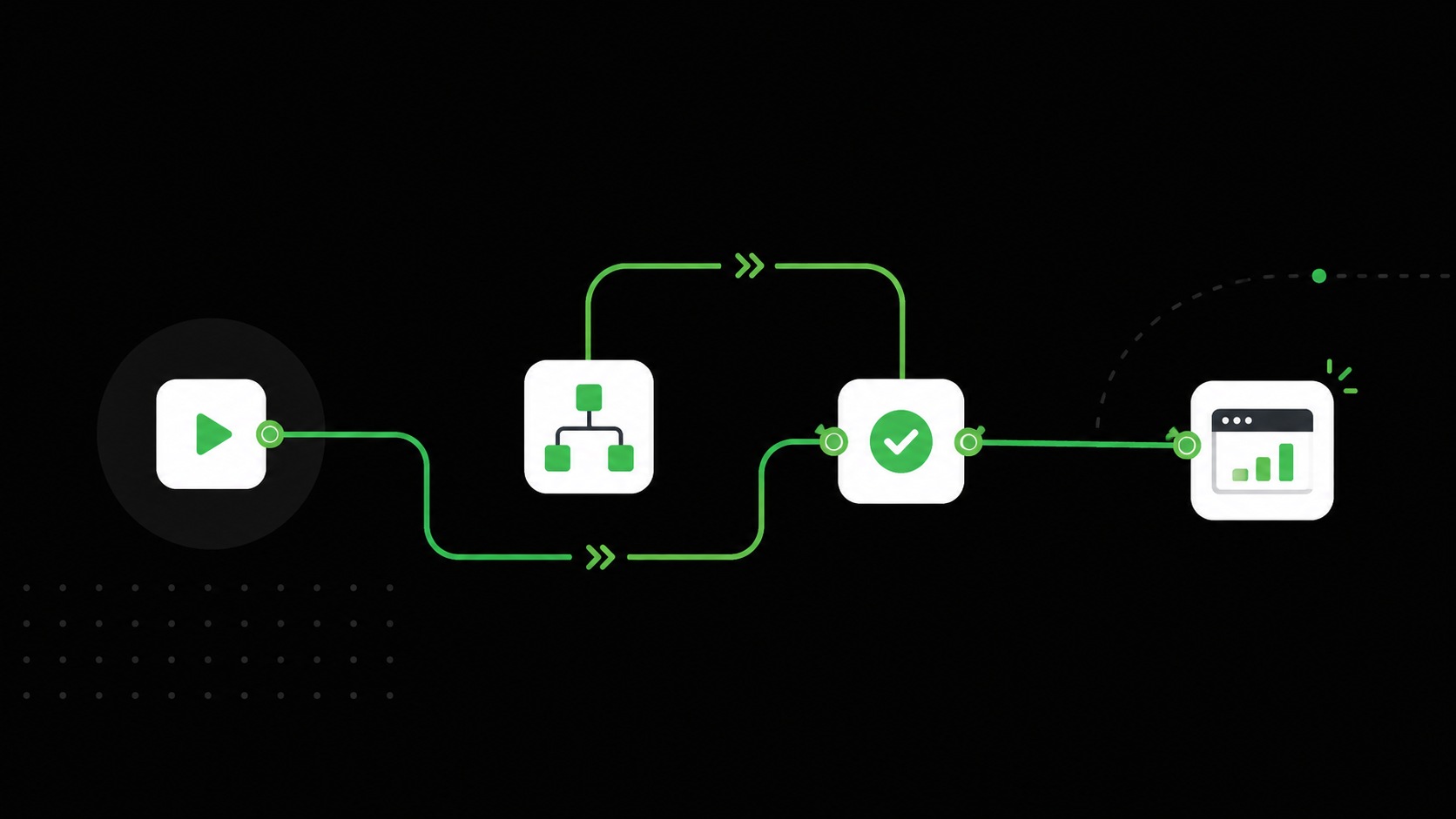
On July 7, 2026, Shopify shipped two significant updates to its Flow automation app that together represent a meaningful shift in how eCommerce workflows handle change. The updates address a problem that has plagued Shopify merchants and app developers for years: what happens when an action’s configuration changes and existing workflows are still running the old version?
The answer, until now, was straightforward and painful. Workflows would simply fail. Silently. In production. Shopify has shifted from a “fail fast and break things” model to a more mature “keep running safely and let the app handle the details” approach. Here’s what changed, what it means for merchants, and what it still doesn’t solve.
What changed
On July 7, 2026, Shopify released two important updates to Shopify Flow that significantly improve how custom action extensions behave when developers make changes.
1. Graceful degradation for action configuration changes
Previously: Any change to an action’s configuration fields, such as adding a new required field or removing an existing one, was treated as a breaking change. Shopify’s runtime validation would block the request entirely before it even reached your app’s endpoint. As a result, merchants’ workflows would fail silently with little explanation.
Now: Shopify has relaxed this strict validation. The platform will send the request to your endpoint even if there are schema differences. Your server now receives the payload and can intelligently handle variations, for example, by applying default values for missing fields, ignoring deprecated fields, or returning a clear, merchant-friendly error when necessary. This prevents hard failures and keeps workflows running.
Source: Breaking and non-breaking changes in Flow actions
2. Dynamic runtime URL resolution
Previously: Once a workflow was saved or activated, it would cache the runtime_url of your action. If you later updated the URL (for example, after redeploying your app), existing workflows would continue calling the old endpoint until merchants manually re-saved them.
Now: The runtime URL is resolved dynamically on every execution. When you deploy a new version of your app with an updated URL, all existing workflows automatically use the new endpoint on their next run. No manual intervention from merchants is required.
Source: Create Flow action endpoints
Why this matters for merchants
These changes might look like developer-facing plumbing, but their impact reaches directly into a merchant’s day-to-day operations. Shopify Flow typically powers the automations that keep an eCommerce business running: order fulfilment routing, inventory threshold alerts, fraud flagging, customer tagging for marketing segments, loyalty programme triggers.
When any of these workflows fail silently, the consequences compound quickly. An order fulfilment workflow that breaks because a shipping app added a required field means orders don’t get routed correctly. A fraud-check action that fails validation because of a schema change means risky transactions slip through unchecked. A customer tagging workflow that stops working means marketing segments go stale without anyone noticing.
With these updates, merchants can expect:
- Fewer unexpected workflow failures. Automations powering critical operations are now much less likely to break silently when apps or third-party tools are updated.
- Easier app maintenance. App developers can update their actions more freely without fearing they will break merchants’ live workflows, meaning faster bug fixes and new features.
- Reduced operational burden. Merchants no longer need to manually update workflows every time an app updates its endpoints or configuration.
Industry data puts the scale of silent technical failures in context. Research estimates that payment failures alone, just one category of checkout-stage errors, account for $47 billion in annual revenue leakage globally, affecting roughly 1 in 5 eCommerce transactions. Workflow failures that route orders incorrectly, miss fraud signals, or stall loyalty triggers compound that number in ways that are far harder to quantify.
The detection gap these updates don't solve
Shopify's updates are a welcome step toward resilience, but they also highlight a fundamental challenge: how do you know when something goes wrong if the system is designed to keep running?
In the old model, a workflow failure at least created a visible error signal, something to investigate. In the new model, a workflow might execute against an outdated schema and produce subtly wrong results without triggering any alert. A missing field might receive a default value that doesn’t match the merchant’s intent. An ignored legacy field might have carried context that the app now lacks.
Graceful degradation means the platform keeps workflows alive. It doesn’t guarantee the outcomes are correct. A workflow that “ran successfully” but routed an order to the wrong fulfilment centre, or tagged a customer in the wrong segment, or applied a default shipping rate instead of a negotiated one, has failed in the way that matters most: the customer experience.
Shopify’s built-in web performance dashboard handles page-level monitoring well. But workflow-level monitoring, the kind that connects an automation outcome to a downstream customer experience, requires a different layer of visibility.
What eCommerce teams should do now
These updates require attention from anyone running Shopify Flow automations, especially those involving third-party apps:
1. Audit your action endpoints. Ensure your servers can handle payloads from older schema versions gracefully. Shopify will now send them rather than blocking them. Without this, graceful degradation at the platform level becomes a silent failure at the app level.
2. Review your monitoring. Silent execution is better than hard failure, but only if you have visibility into whether the execution produced the right result. “Workflow ran” and “customer had the expected experience” are two different things.
3. Track downstream impact. The gap between a workflow executing and a customer receiving the correct outcome is where revenue leaks live. Real user monitoring that connects technical events to business outcomes is the most direct way to close that gap.
This is exactly the kind of problem that AuditIQ eCommerce monitoring tool was built to solve. Rather than waiting for a customer complaint or a revenue dip to surface an issue, AuditIQ continuously monitors the real user experience across your eCommerce store, catching the downstream effects of workflow failures, configuration drift, and silent errors before they compound into revenue loss.
When a Shopify Flow action starts producing unexpected results, whether because of a schema change, an endpoint migration, or a third-party app update, the impact shows up in user sessions: checkout errors, missing personalisation, broken fulfilment messaging. AuditIQ detects these anomalies in real time and connects them to their revenue impact.
Shopify has made the platform more resilient. The combination of Shopify’s new graceful degradation approach and continuous real-user monitoring creates a resilient architecture: Shopify keeps the workflow running, and monitoring confirms the outcome is correct.
Want to see how AuditIQ eCommerce monitoring tool catches the silent failures that Shopify's dashboard doesn't? Book us a demo today.
About the author
Dan Garner writes from AuditIQ's experience monitoring eCommerce performance, SEO, security, and reliability issues across Magento, Shopify, WooCommerce, and Adobe Commerce stores.