Shopify Editions Spring '26: Why real-time monitoring matters more than ever

Shopify Editions Spring '26 dropped on June 17 with over 150 updates, but two changes buried in the developer changelog deserve far more attention than they're getting. Together, they signal a fundamental shift in how the eCommerce industry thinks about storefront observability.
What Shopify just shipped
Shopify released its Spring ’26 Edition on June 17, 2026, delivering 150+ updates focused on Agentic Commerce, AI-powered tools, enhanced shopping experiences, retail improvements, and a stronger developer platform. The headline theme is “commerce everywhere”, making products discoverable and purchasable inside AI channels (ChatGPT, Copilot, etc.), while also delivering meaningful upgrades for merchants, shoppers, and developers.
Here are two particularly important improvements:
1. Standard storefront events and actions:
Standard storefront events and actions are now built into every Liquid storefront. Themes emit standardised DOM events for key commerce interactions: shopify:product:view, shopify:cart:lines-update, shopify:search:update, and more. Apps and agents can subscribe with plain JavaScript and receive payload data directly; no follow-up API calls required.
Actions work in the other direction: Shopify.actions.updateCart, getCart, openCart, and others are available on every storefront. This lets apps trigger theme behaviours programmatically. Out of the box, these hit the Storefront API and reload the page, but theme developers can override them for seamless, reload-free UI updates.
2. Admin Web Vitals in the Dev Dashboard:
Admin Web Vitals have moved to the Dev Dashboard, providing daily and 28-day P75 rollups for the three Core Web Vitals:
- LCP (Largest Contentful Paint)
- INP (Interaction to Next Paint, replacing the retired FID)
- CLS (Cumulative Layout Shift)
Each metric shows a clear pass/fail status based on the thresholds used for the Built for Shopify evaluation, making it much easier for developers and partners to monitor and improve app performance.
Why this matters for every Shopify team
These aren't just developer convenience features. They represent Shopify explicitly building the infrastructure for storefront monitoring into the platform itself.
Consider what the standardised events mean: for the first time, every Liquid storefront speaks the same observability language. A cart update on one theme triggers the same event as on another. This creates a universal hook for monitoring tools to detect when things go wrong: when a cart:lines-update event fires but the cart total doesn't change, when a product view never leads to an add-to-cart, when search queries return empty results.
The Web Vitals dashboard reinforces the message. Shopify is telling developers: performance isn't optional, and you need to be watching it continuously. The data shown in the Dev Dashboard is the same data used for Built for Shopify compliance. If your app degrades INP scores, you'll know, and so will Shopify.
The gap between platform metrics and store reality
Here's the challenge, though. Shopify's Web Vitals dashboard monitors app performance within the admin. The standard events give you hooks for storefront interactions. But neither tells you what your actual customers are experiencing on your live store right now.
Recent data underscores why this matters. According to HTTPArchive's 2025 analysis, only 39% of eCommerce sites pass all three Core Web Vitals simultaneously, three points below the global average. Baymard Institute's latest research puts the global cart abandonment rate at 70.22%, with technical friction, slow loads, checkout errors, and broken interactions contributing to a significant share of those lost sales.
The gap is between knowing your platform metrics are healthy and knowing your customers are having a good experience. A theme update can pass every Shopify check while still introducing a JavaScript error that breaks the "Add to Cart" button on Safari. A third-party review widget can tank your INP score on mobile without triggering any platform-level alerts.
Where continuous monitoring fills the gap
This is precisely the problem AuditIQ was built to solve. While Shopify's new tools give you platform-level observability, AuditIQ provides store-level observability, monitoring your live eCommerce site from the perspective of real users, catching the errors and performance issues that platform dashboards can't see.
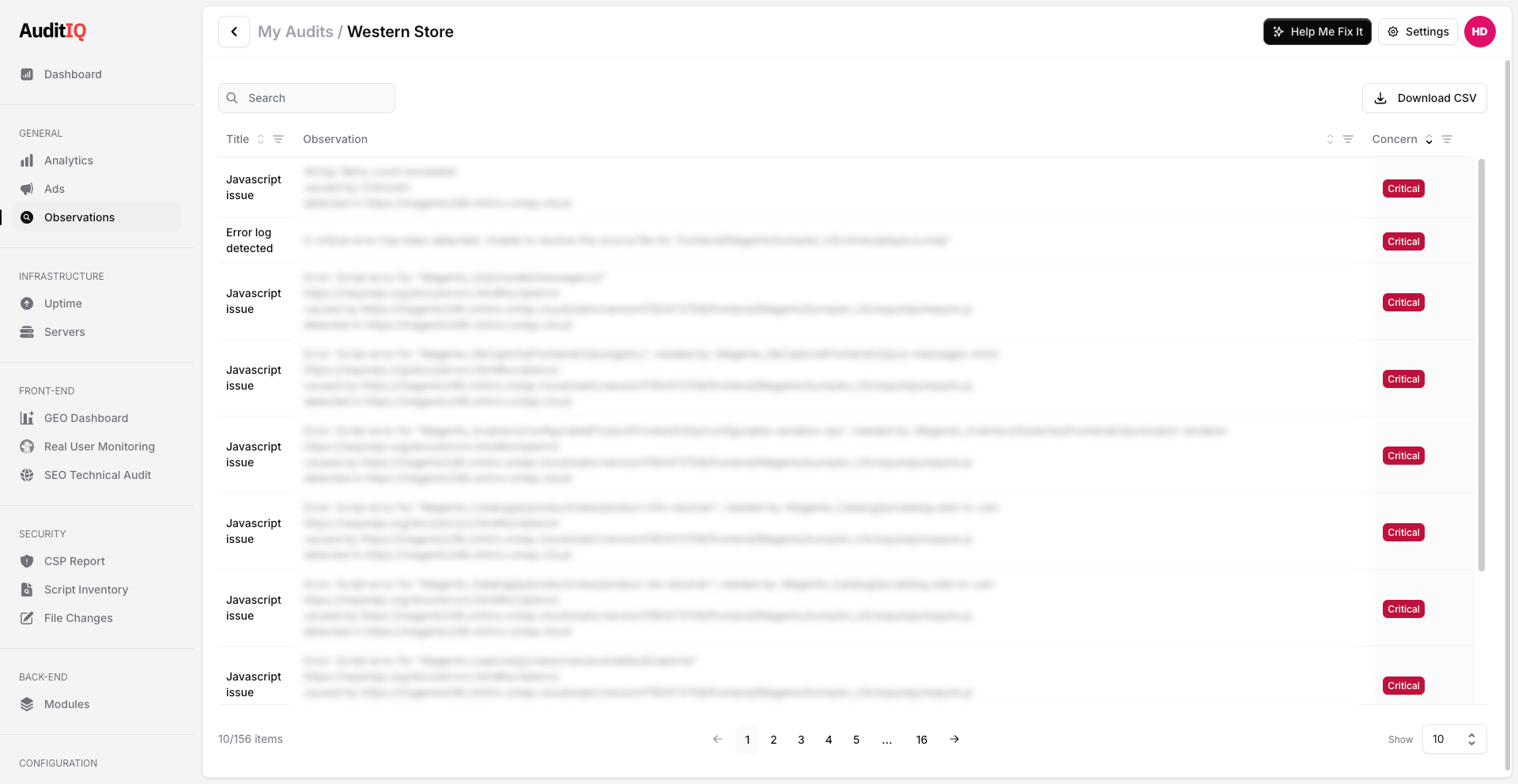
AuditIQ continuously monitors your storefront for:
- JavaScript errors that break critical user journeys like add-to-cart, checkout, and account login
- Core Web Vitals degradation measured from real user sessions, not lab tests
- Third-party script issues where external widgets or tracking pixels introduce latency or errors
- Checkout flow breakages where technical issues cause the kind of silent revenue loss that doesn't show up in analytics dashboards
The beauty of Shopify's new standardised events is that they make monitoring easier; a tool like AuditIQ can hook into shopify:cart:lines-update and validate that the cart actually updated, detecting failures in real time rather than inferring them from conversion rate dips days later.
The bigger picture: Observability is table stakes
Shopify's Spring '26 Editions also included the Hydrogen developer preview, which moves commerce logic out of React Router into a framework-agnostic core. You can now build storefronts in any JavaScript framework. This is exciting for developers, but it also means more architectural variety, more potential points of failure, and more need for monitoring that works regardless of framework.
Add in the new coversAllItems delivery profiles, purchase-type filtering for discounts, and WhatsApp marketing consent, each adding complexity to the checkout flow, and the case for continuous monitoring only gets stronger.
The eCommerce platforms are giving you more power and more flexibility. But with that comes more surface area for things to break. And when something breaks on your live store, every minute costs revenue.
In conclusion
Shopify's investment in storefront observability infrastructure validates what we've seen across every eCommerce platform: the teams that ship with confidence are the ones who monitor continuously.
If you're running a Shopify, Magento, WooCommerce, or any other eCommerce store, AuditIQ gives you the real-time visibility you need to catch issues before your customers notice them. No more finding out about checkout errors from a support ticket three days later. Try AuditIQ for free and see how AuditIQ monitors your store in real time.
About the author
Dan Garner writes from AuditIQ's experience monitoring eCommerce performance, SEO, security, and reliability issues across Magento, Shopify, WooCommerce, and Adobe Commerce stores.