Your Shopify apps were used to hijack checkout: How to verify your store is safe before Black Friday
In October 2026, attackers changed what several Shopify apps loaded on storefronts, so some shoppers who clicked Checkout were sent to a fake page that captured their card details and then passed them on to the real checkout. HulkApps, Selleasy, and Swym confirmed incidents. To check your store, test checkout in a fresh private window on desktop and mobile, review your installed apps and any custom code fields inside them, and look for unfamiliar .top domains.
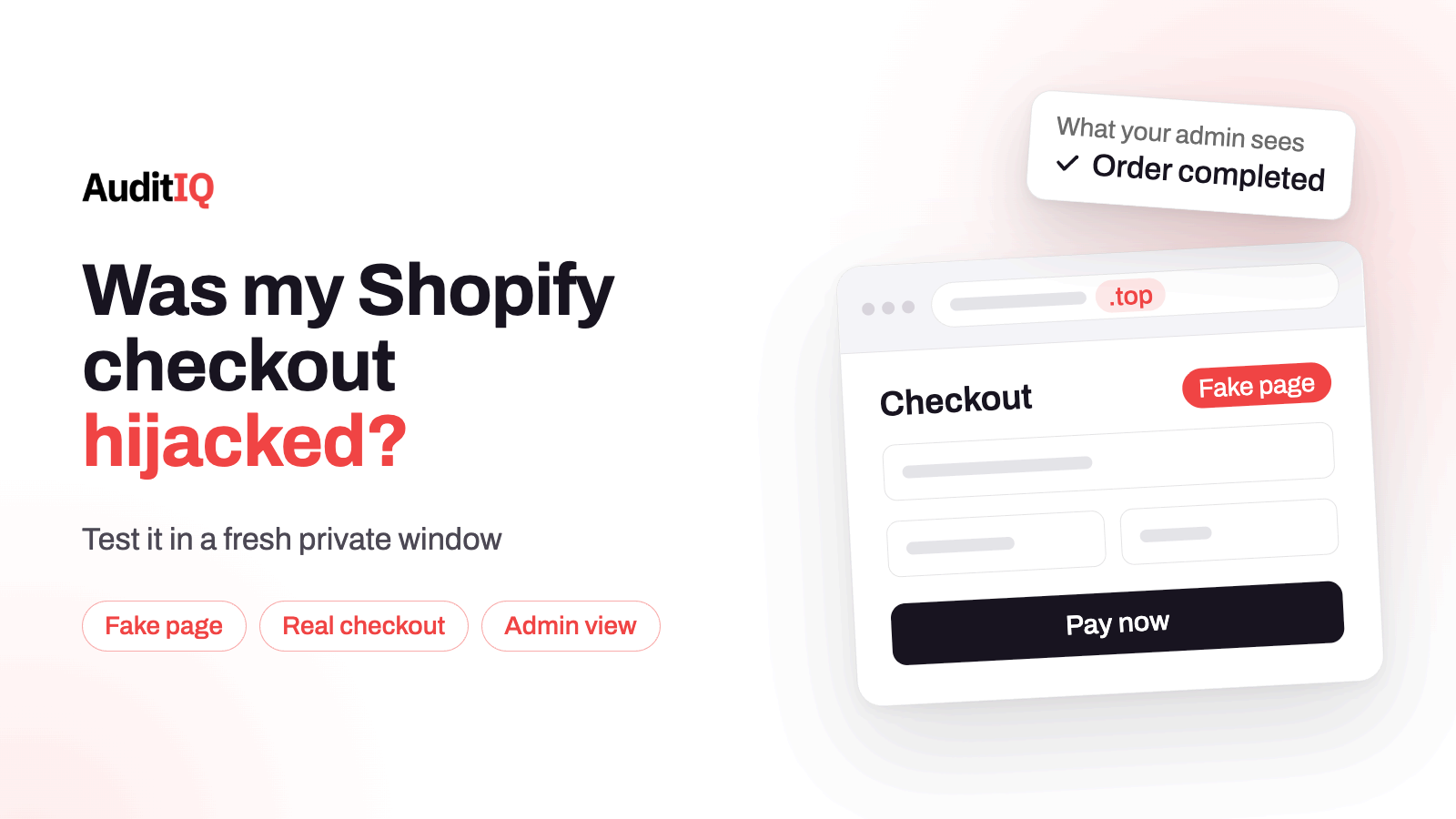
The unsettling part of this incident is how ordinary it looked. A shopper clicked Checkout, saw a page that resembled Shopify’s, typed their card details, and was then sent to the real checkout, where the order went through as usual. The merchant’s admin showed a normal order. Nothing about it looked like a failure, which is exactly why a store could be affected without anyone on the team knowing.
This guide separates what is confirmed from what is still unknown, using the researcher who first documented the attack, the statements from the app vendors, and Shopify’s own changelog. It then walks through how to test your store, what to do if something looks wrong, and how to reduce the risk before Black Friday on 27 November. Merchants can run the tests themselves, and agencies can use the steps as a client checklist.
What happened in the October 2026 Shopify checkout hijack?
Security researcher Roman Zipp documented the attack on October 10 after he was sent to a fake checkout while shopping on an online store, and he has kept the post updated since. The vendor-confirmed events, in order, were:
| Date (2026) | App | What the vendor said |
|---|---|---|
| October 10 | Hulk Product Options (HulkApps) | As part of a wide attack that also impacted other Shopify apps, an exploit introduced unauthorized configurations into the app’s theme extension and redirected some checkouts to a fake external page. Shopify temporarily disabled the extension, then restored it once the code was removed |
| October 13 | Selleasy (Logbase) | Selleasy says it fixed the cause within hours, and it was later re-listed after passing Shopify’s security checks |
| October 14 | Swym Wishlist Plus | An unauthorized configuration change loaded a script on some stores. Swym released a fix, and the app was later de-listed while security work continued |
Qikify is sometimes mentioned alongside these. It describes a separate incident in July, resolved by August, and says it was not part of the October wave (its own security incident notice explains it). On October 20, Shopify also began asking shoppers to confirm before an online store sends them to an outside website, which we cover below.
How did the fake checkout work, and why did orders still complete?
The researcher traced the malicious code on one store to a script that the HulkApps theme extension loaded from the app developer’s servers on every page, which included a block of custom JavaScript sent back by the app’s API. When a shopper clicked Checkout, that code redirected them to a look-alike page on a .top domain. The page collected card and billing details, then sent the shopper on to the genuine checkout.
Three details explain why it stayed hidden. The shopper still reached the real checkout, so the order completed. The script only ever ran once per shopper per store, using a flag in the browser’s session storage, so a second attempt in the same session would not repeat it. And HulkApps itself says the redirect was not successful on every visit and was blocked by some browsers. How the attackers got the code into the apps’ configuration is still not established in public. The vendors point to an exploit, an internal tool, and an unauthorised configuration change, and the researcher lists compromised accounts and vendor infrastructure as possibilities. Shopify has not said its own checkout was breached.
Which apps were affected? What is confirmed and what is not
| App | Status | Basis |
|---|---|---|
| Hulk Product Options | Confirmed | HulkApps statement of October 15 |
| Selleasy | Confirmed | Logbase incident page |
| Swym Wishlist Plus | Confirmed | Swym’s security notices |
| Qikify | Separate July incident, resolved | Qikify’s own notice |
| Other apps named in merchant comments | Reported, not confirmed | Merchant reports only |
Be careful with lists of de-listed apps circulating online. The researcher notes that people have claimed every app on such a list was compromised, that this cannot be confirmed, and that an app can be de-listed for several reasons. Treat an app’s absence from the App Store as a reason to ask its vendor questions, not as proof of compromise. And treat the three confirmed apps as the start of your checks, not the end, because merchants also reported the same redirect on stores that did not use any of them.
What signs suggest a store was hit?
- Shoppers describing a card form on a page that did not look like your normal checkout.
- An unfamiliar address in the browser bar between clicking Checkout and reaching the payment form, often a .top domain.
- A password manager offering card details in the wrong field. That is how the researcher first noticed something was wrong: the autofill suggested his credit card name for a “First name” box.
- Clusters of chargebacks or fraud reports from customers who bought from you.
- Requests to unknown domains in the browser’s Network tab while you go through checkout.
None of these is proof on its own, and the absence of all of them is not proof of safety, because the order itself completes normally.
How do you check your store, step by step?
Step 1: Run the checkout test in a fresh private window
Open a new private window, add a product to the cart, click Checkout, and watch the address bar. It should stay on your store or Shopify’s checkout, never an unfamiliar domain. Then open the browser’s developer tools, go to the Network tab, and repeat the test, looking for requests to domains you do not recognise. Use a fresh private window every time, because the script that was documented only fired once per shopper per store. Repeat on a phone.
Step 2: List your installed apps and what each can do
Open Settings, then Apps, and note every app that can add JavaScript to your storefront, changes how checkout behaves, or stores redirect or custom-code settings. Wishlist, product options, upsell, pop-up, search, and tracking apps are typical. For any app named above, check its vendor’s notice and confirm you are on a fixed version.
Step 3: Look inside each app’s own settings
The injected code in the documented case lived in a custom JavaScript field in the app developer’s configuration, not in the store theme. Open the settings of every app that offers custom JavaScript, custom code, labels, or redirect rules, and look for anything you did not write: scripts, URLs, or odd characters in button labels.
Step 4: Check Shopify’s app security indicators
Shopify says merchants can see an app’s security setup in Settings > Apps, including expiring tokens and IP allowlist, and that non-compliant apps are flagged from November 20. Use this as one signal, and remember that a compliant app is not proof that a given configuration is clean.
Step 5: Search for the known domains
Search your theme files and your apps’s custom-code fields for the domains found in the attack, written here in defanged form: biliing[.]top, checkout-confirm[.]top, order-confirm[.]top, account-confirm[.]top, billing-confirm[.]top, and checkout-guard[.]top. The list is not exhaustive, and a clean search does not clear you, because the code came from the vendors’ servers rather than your theme.
Step 6: Review chargebacks and secure your accounts
Look for unusual chargeback patterns since early October. Change your Shopify password and your app account passwords, turn on two-factor sign-in wherever it is available, and review which tools and integrations have access to your Shopify account.
What should you do if you find something suspicious?
- Disable or remove the app. Shopify itself temporarily disabled the Hulk Product Options extension as a protective measure, and the redirect stopped.
- Record the evidence first: a screenshot of the fake page, its address, the time, and the app involved.
- Contact the app vendor and Shopify straight away. Ask the vendor for its incident notice and the affected window for your store.
- Report the malicious domain to Google Safe Browsing, because the researcher found that several of these domains were not blocked at first.
- Tell your payment provider if customers’ card details may have been exposed, and take advice on any duty to notify customers.
- Retest after the fix, in a fresh private window, on desktop and mobile.
How do you lower the risk before Black Friday?
- Prune your app stack. Every app that can inject code is a place an attacker can reach. Remove the ones you do not actively use.
- Review custom-code fields regularly, not just after an incident, and write down what each one should contain.
- Turn on two-factor sign-in on your Shopify account and every app account, and follow each vendor’s security notices.
- Add a weekly private-window checkout test to your routine through the sale, and run it after every app change.
- Do not rely on Shopify’s new redirect protection alone. Since October 23 it blocks sites Shopify has identified as malicious and asks for confirmation on suspicious ones, and other external links go straight through.
Can monitoring catch this kind of attack?
An honest answer matters here. AuditIQ does not click through your checkout, and it cannot see what happens inside a visitor’s browser, so it would not have flagged this redirect on its own. It can shorten the list of places you need to look:
- Script Inventory keeps a ledger of every JavaScript file on the pages it crawls, with when each was first and last seen, so a new script or host on your storefront stands out. It tracks files, so code delivered inside an existing app script would not appear as a new one.
- Module Monitoring maintains an inventory of the modules and extensions on your store and tracks updates, which gives you a current app list to audit.
- User Experience Monitoring shows where customers drop off in checkout, with device, browser, and session context, so an unusual change at the payment step is visible.
- Analytics gives you unsampled Google Analytics data and funnel analysis, which helps when checkout conversion shifts after an app change.
Keep the private-window test as your direct check, and use monitoring to tell you when something around it has changed.
Checkout security is one corner of what AuditIQ covers. It is a 360° eCommerce monitoring platform purpose-built for Magento, Adobe Commerce, and Shopify stores, watching performance, infrastructure, SEO, security, user experience, configuration, and code quality from one unified dashboard.
Want a second pair of eyes on your store before the sale? Start a free AuditIQ trial and see what changes across your storefront.
Others also read
- Third-party JavaScript on checkout: Security, performance & compliance risks
- eCommerce configuration changes: The silent cause of storefront failures
- Shopify store slow after installing apps? Full guide to find the scripts that are silently killing your conversions
Frequently asked questions
1. Was Shopify’s own checkout breached?
Shopify has not said that. The vendors describe unauthorized changes to what their own apps loaded on storefronts, and the fake page appeared when a shopper clicked Checkout, before the real checkout. Treat the apps as the entry point, and the real checkout as the place the shopper was sent afterwards.
2. Do I need to worry if I don’t use HulkApps, Selleasy, or Swym?
Run the checks anyway. Merchants reported the same redirect on stores that did not use any of those apps, and other app reports were never confirmed. A private-window checkout test takes minutes and covers whatever is installed.
3. Why can’t I reproduce the redirect on my store?
The documented script ran only once per shopper per store, HulkApps says the redirect did not succeed on every visit, and some browsers blocked it. A clean test is reassuring but not conclusive, so repeat it in fresh private windows and review the apps’ own settings as well.
4. Does Shopify’s new redirect warning make my store safe?
It adds a layer. Since October 23 it blocks sites Shopify has identified as malicious and asks for confirmation on suspicious ones, and other external links go straight through. A new malicious domain may not be on that list yet, so keep your own checks.
5. Does a de-listed app mean it was compromised?
No. The researcher who tracked the incident notes that an app can be de-listed for several reasons and that claims about whole lists of de-listed apps cannot be confirmed. Ask the vendor why, and check its notices.
6. What should I tell my payment provider?
If customers’ card details may have been exposed, tell your provider early, share the app involved and the dates you can establish, and ask what they need from you. Take advice on whether you must notify customers.
About the author
Ginny Ngo writes from AuditIQ's experience monitoring eCommerce performance, SEO, security, and reliability issues across Magento, Shopify, WooCommerce, and Adobe Commerce stores.