Shopify’s August 26 checkout deprecation: How to protect your post-purchase revenue flows
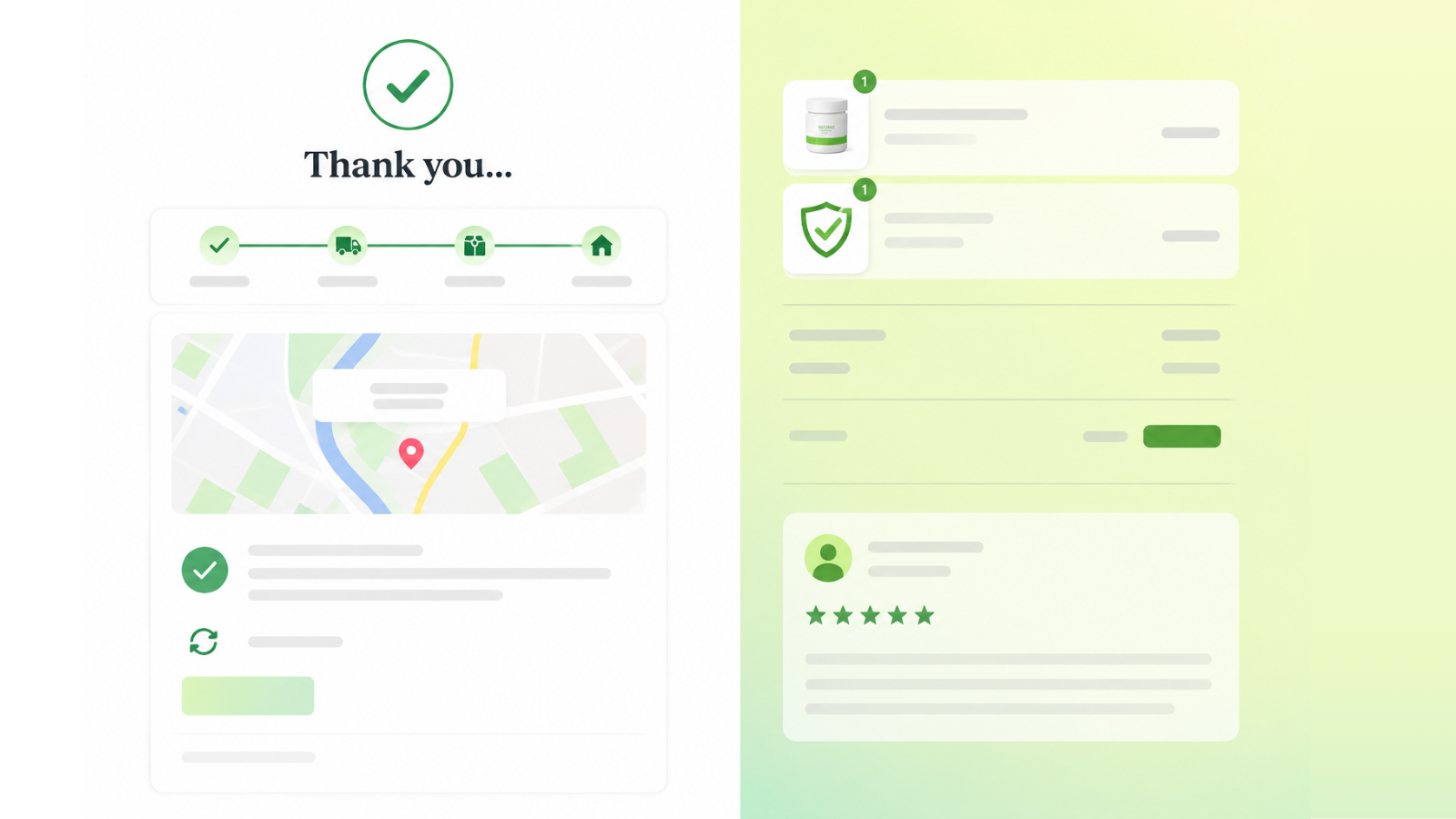
On August 26, 2026, Shopify will auto-upgrade all non-Plus stores’ Thank You and Order Status pages, permanently removing Additional Scripts and custom code. Audit everything running on your post-purchase pages now, migrate to web pixels and checkout extensibility apps, and verify replacements are firing correctly before the deadline.
In three weeks, on August 26, 2026, Shopify will auto-upgrade every remaining non-Plus store’s Thank You and Order Status pages. When it does, every Additional Script, every script tag, and every piece of custom code injected into those pages will stop running, permanently.
Merchants who act before the deadline can preserve every revenue flow intact. The ones who wait for the auto-upgrade may spend weeks piecing together what stopped working and why.
The thank you page is a revenue surface, not just a confirmation screen
Over the years, Shopify merchants have built entire revenue flows on top of the Thank You and Order Status pages using Additional Scripts. Post-purchase upsell offers. Affiliate attribution pixels. Loyalty programme enrolments. Review solicitation triggers. Conversion tracking for Google Ads, Meta, TikTok, and Pinterest.
These flows are not cosmetic. Post-purchase upsell sequences alone can drive 10–15% incremental revenue for stores that use them effectively. Affiliate attribution scripts determine whether your partners get paid, and whether they keep sending traffic. Conversion pixels on the Thank You page are often the only place where purchase events fire for advertising platforms that haven’t been migrated to server-side tracking.
All of it runs via Additional Scripts or script tags. All of it needs to be migrated before August 26.
Why the revenue impact can be hard to see at first
The nature of this change is that nothing breaks visibly. Your store stays online. Customers still see a Thank You page. Orders still process. But beneath the surface, several things quietly stop working:
- Conversion pixels stop firing. Google Ads, Meta, and other platforms stop receiving purchase signals. Reported ROAS drops, not because performance fell but because measurement stopped. Automated bidding algorithms begin pulling back spend based on a false signal.
- Post-purchase upsell offers disappear. Customers complete a purchase and see a confirmation page where there used to be a targeted offer. The revenue from those flows drops to zero without any error message.
- Affiliate attribution breaks. Partners stop receiving credit for the sales they drove. Commission disputes follow.
- Analytics lose the purchase event. If your GA4 implementation relies on a Thank You page script rather than server-side tracking, your eCommerce reports go quiet while your actual order data tells a different story.
None of these failures trigger an alert in Shopify or appear in your theme editor. The downstream consequences, falling ad performance, missing attribution, declining upsell revenue, may take days or weeks to surface.
What the Plus store cohort taught us
Plus stores completed this transition on August 28, 2025. The lessons from that cohort are instructive: merchants who proactively audited their Additional Scripts and migrated to Shopify’s web pixels system and checkout extensibility apps preserved their revenue flows with minimal disruption. Merchants who waited for the auto-upgrade discovered the breakage after the fact, typically through declining ad performance or confused affiliate partners.
There’s one timing wrinkle that caught some Plus merchants off guard and is worth knowing: if you pause your store at any point before the deadline, for seasonal reasons, during a site redesign, or for any other purpose, your pages are upgraded automatically at that moment. The change cannot be reverted, even after you unpause. The deadline is effectively the earlier of August 26 or your next store pause.
What you should do before August 26
Start by auditing what actually runs on your Thank You and Order Status pages today. Go to Settings > Checkout in your Shopify admin. If you see an upgrade prompt, you’re still on the legacy system.
Then catalogue every script in your Additional Scripts section. For each one, determine:
- What does it do? Conversion tracking, upsell offer, affiliate attribution, analytics event, loyalty enrolment?
- Who owns it? Is it from an app, an agency, or a piece of custom code added years ago?
- What’s the replacement path? Most functionality can be replicated through Shopify’s web pixels API, checkout UI extensions, or updated app versions. Each migration requires testing.
Done right, this migration is also an opportunity to clean up legacy scripts, consolidate tracking, and move to more reliable server-side implementations that perform better long-term. Merchants who use this deadline as a forcing function often come out with a leaner, better-performing post-purchase setup than they had before.
Why continuous monitoring is the safety net for this transition
The critical step that many teams skip is verification. Migrating a script is only half the job. You need to confirm that the replacement actually fires, that it sends the correct data, and that it continues working after the upgrade completes.
AuditIQ eCommerce monitoring tracks the scripts, pixels, and third-party integrations running on every page of your store, including your Thank You and Order Status pages. For the August 26 transition, this means:
- Pre-migration baseline: AuditIQ captures what’s currently running on your post-purchase pages, giving you a complete audit of scripts that need migration.
- Post-migration verification: After you upgrade, AuditIQ confirms that replacement scripts and pixels are firing correctly.
- Ongoing protection: Even after the transition, new deployments, app updates, and theme changes can break replacement implementations. Continuous monitoring catches regressions before they become revenue leaks.
Get ahead of August 26. Start your free AuditIQ trial and capture a complete baseline of every script running on your post-purchase pages before the upgrade happens.
FAQs
1. Will my store go down on August 26 if I don’t upgrade?
No. Your store stays live and orders continue processing. What stops working are the Additional Scripts and custom code on your Thank You and Order Status pages, conversion pixels, post-purchase offers, and attribution scripts, without any visible error on the page itself.
2. I use a Shopify app for post-purchase upsells. Am I affected?
It depends on how the app injects its functionality. Apps using Additional Scripts or deprecated script tags will be affected. Apps already built on Shopify’s checkout extensibility framework are not. Check with your app provider to confirm which method they use and whether an update is needed.
3. How do I know which scripts are currently running on my thank you page?
Go to Settings > Checkout in your Shopify admin. If you see an upgrade prompt, you’re still on the legacy system. Your Additional Scripts section will show every script currently injected. You can also use browser developer tools to inspect the network requests and scripts that fire after a test order completes.
About the author
Dan Garner writes from AuditIQ's experience monitoring eCommerce performance, SEO, security, and reliability issues across Magento, Shopify, WooCommerce, and Adobe Commerce stores.