Shopify apps must now declare which external servers their storefront scripts contact: How to verify before the December 1 deadline
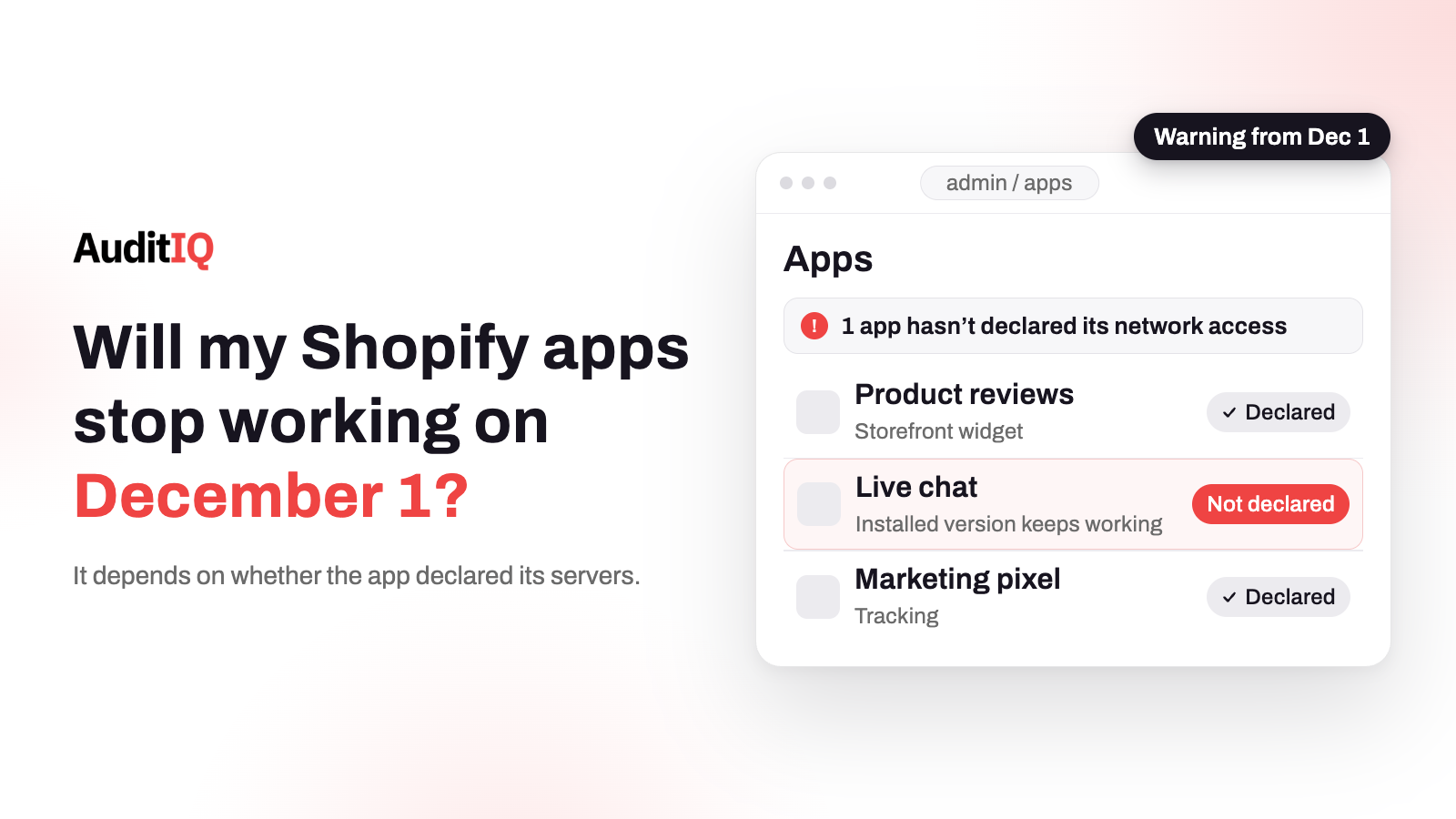
From 1 December 2026, Shopify rejects deploys and App Store submissions from public apps, and from custom apps installed outside their own organisation, that run code on the online store but have not declared the external servers it contacts in allowed_sources. Existing versions keep working and merchants see a warning in the admin. From 1 January 2027, non-compliant public apps are delisted and blocked from new installs. Merchants should list their storefront-active apps, ask each developer whether the declaration is done, and test checkout in a private window.
There is nothing for a merchant to switch on here, and that is exactly what makes this change easy to overlook. On 19 November, Shopify announced that apps running code on the online store must tell it which external servers that code loads from or sends requests to. The work belongs to app developers, but the consequences land on your storefront: apps that miss the dates can no longer ship updates, and later cannot be installed on new stores, in the middle of your busiest weeks.
This guide explains what a network access declaration is and what Shopify says it is for, which apps are in scope and which are not, what happens on each date, how to check your own apps without touching any code, and what developers and agencies need to do before 1 December. It uses Shopify’s changelog and developer documentation, and it separates what Shopify has confirmed from what is our own reasoning.
What is a network access declaration, and why is Shopify requiring it?
A network access declaration is a list, kept in the app’s configuration, of the external servers its storefront code uses. Shopify’s documentation on declaring network access explains the idea: an app’s code runs on pages that merchants and customers trust, so Shopify uses the declared lists, together with the merchant’s own domains, to describe everything a storefront should load from or send customers to. If an attacker compromises a server and injects a script that loads from somewhere else, that request stands out, because nobody declared the host. Shopify gives the same reason in its announcement: injected scripts can load code onto a storefront from any server, and declaring servers helps it spot suspicious requests.
An app declares two kinds of host, in the [network_access] section of its configuration:
| Field | What it lists | Required? |
|---|---|---|
allowed_sources |
The external servers the app’s code loads from or sends requests to, such as its API or CDN | Yes, for in-scope apps, from December 1, 2026. An empty list counts as a declaration |
allowed_navigation_hosts |
The external hosts the app links customers to, such as the app’s own site | Optional. Shopify skips the exit prompt for links to declared hosts |
Does an app have to declare? Who is in scope and who is not
Scope is decided by what the app does on the storefront, not by how popular it is. Shopify says the requirement applies to public apps, and to custom apps installed on stores outside the developer’s organisation, if they use any of these:
| In scope if the app uses… | Typical examples (our illustration) |
|---|---|
| A theme app extension block or app embed | Review widgets, chat tools, personalisation overlays, pop-ups |
| Script tags on the online store | Older tracking and marketing scripts |
| An app proxy | Pages that an app serves through your store’s own domain |
| The write_themes access scope | Apps that edit your theme code |
| A web pixel with the write_open_pixels scope | Tracking pixels that are not in Shopify’s default sandbox |
Shopify lists these as unaffected: apps that only write content such as metafields, menus, or products; apps with a checkout UI extension but none of the features above; custom apps installed only on stores within the developer’s own organisation; apps that merchants create in the Dev Dashboard or the Shopify admin; and web pixels running in the default strict sandbox. If you are unsure which side an app falls on, ask its developer rather than guessing from its name.
What happens on December 1 and January 1?
| Date | Public apps | Custom apps installed outside the developer’s organisation |
|---|---|---|
| December 1, 2026 | Shopify rejects deploys and App Store submissions. Merchants see a warning in the Shopify admin. Existing app versions keep working | Shopify rejects deploys |
| January 1, 2027 | Shopify delists the app from the App Store and blocks new installs. Existing installs keep working | Shopify blocks installs of the developer’s apps outside their organisation until every in-scope app declares its network access |
Two practical consequences follow from those dates, and they are our reading rather than Shopify’s wording. First, an app that has not declared cannot release a new version after December 1, so a bug fix or a compatibility patch is stuck until the developer adds the declaration. Second, nothing about an installed app changes overnight, which is why a missed date shows up later, as an app that cannot be fixed or cannot be added to your next store, rather than as an outage.
Does this stop another October-style checkout hijack?
Not on its own, and it is worth being exact about why. Shopify’s announcement does not name the October incidents, so the link is our inference, but the fit is clear: those attacks sent shoppers off-store to a fake page, which is the kind of navigation that Shopify’s redirect protection is designed to flag with an exit prompt. Declared navigation hosts are the hosts that skip that prompt, and declared sources give Shopify a list to compare requests against.
The limit is that a declaration lists servers, not behaviour. If code served from a host the app has legitimately declared were changed, the host would still be on the list. That is why the declaration is a preventive layer, and why checking your own checkout journey stays necessary. The step-by-step check for that is in our checkout hijack guide, linked at the end of this article.
How do you check which of your apps are affected?
You cannot read an app’s configuration file, so the checks below are about finding the apps that matter and asking the right people.
Step 1: List the apps that run code on your storefront
Open Online Store, Themes, Customize, and look at App embeds and the app blocks used on your pages. Then open the app settings in your Shopify admin, where Shopify shows where each app operates, including its extensions and pixels. Write down every app that adds something customers see or that loads a script: reviews, chat, pop-ups, search, upsell, and tracking apps are typical.
Step 2: Note apps that may still use script tags
Script tags are in scope, and Shopify is also retiring them: from March 1, 2027 it stops injecting them into storefronts. An app that still depends on a script tag has two deadlines to meet, so ask its developer about both.
Step 3: Ask each developer three questions
- Have you added the
allowed_sourcesdeclaration, and has it been released as a live version? - Does it include the servers for your widget, API, and CDN, and not only the main site?
- Will anything I see on my storefront change when you release it?
Step 4: Look at what your storefront contacts
In a private browser window, open your homepage, a product page, and checkout, and watch the Network tab of the browser’s developer tools. Make a note of the external domains that appear and match each one to an app you know. An unfamiliar domain is a question for the app vendor, not proof of a problem. Declarations also give Shopify a baseline for what each storefront should load, which is why unknown hosts are worth questioning now.
Step 5: Watch your admin from December 1
Shopify says merchants see a warning in the admin for apps that have not declared. Treat that warning as a prompt to contact the developer and to plan a replacement if there is no answer.
What should developers and agencies do before December 1?
Agencies that maintain client apps, and developers who ship them, have the actual work. Shopify’s steps are short:
- Add every server your app’s code loads from or sends requests to on the online store to
allowed_sources, for example your API and CDN. If your app contacts no external servers, setallowed_sources = []. - Optionally add the hosts you link customers to, such as your own site, to
allowed_navigation_hosts, so customers are less likely to see an exit prompt. List only hosts you control or trust, never link shorteners or file-sharing sites. - Leave out anything Shopify serves, such as a theme app extension’s assets folder, and your app proxy URL.
- Test on a dev store with the Network access testing feature preview. Do not install other apps on that store, test on the store’s myshopify.com address rather than a theme preview, and check the console for warnings about undeclared servers.
- Run
shopify app deployand release the new version. Shopify checks both lists when it creates the version and rejects the deploy if an entry breaks the rules.
Where does this sit among Shopify’s other app security dates?
Several app-security changes land in the same few months, and each fails differently. Shopify keeps the full list on its upcoming security deadlines page, and the ones that matter most to a merchant are:
| Date | What changes | Who does the work |
|---|---|---|
| November 20, 2026 | Public apps without an IP allowlist are delisted and flagged | App developer |
| December 1, 2026 | Network access declarations: deploys and App Store submissions rejected | App developer |
| January 1, 2027 | Network access declarations: delisting and install blocks | App developer |
| March 1, 2027 | Script tags stop loading on storefronts | App developer, and you if a script tag has no replacement |
| April 1, 2027 | Admin API requests from non-compliant apps fail | App developer |
The IP allowlist protects the Admin API, while network access declarations protect what your storefront loads and where it sends customers. They guard different surfaces, so completing one does not cover the other.
How do you verify your storefront after the deadlines?
- Test review widgets, chat, pop-ups, analytics, and personalisation in a fresh private window, on desktop and on a phone.
- Complete a test order and confirm that checkout stays on your store or Shopify’s checkout, and that each tracking event fires once.
- Re-check the admin for warnings after December 1 and again after January 1, and repeat your storefront test after every app update.
- If an app is delisted, ask its developer why before drawing a conclusion. Delisting alone does not tell you whether an app was compromised.
What can AuditIQ show you while you wait on your vendors?
AuditIQ cannot read an app’s declaration, and it cannot tell you which apps are compliant. What it gives you is a view of the storefront those apps run on, which is useful while the answers come in:
- Spot new or vanished scripts: Script Inventory keeps a ledger of every JavaScript file on the pages it crawls, with when each was first and last seen. It tracks files, so a change inside a script that already exists would not appear as a new one.
- See policy violations: CSP Monitoring logs every Content Security Policy violation with the blocked resource, the page, and the directive, which helps when a policy blocks something an app loads.
- Keep an app list to audit: Module Monitoring maintains an inventory of the modules and extensions installed on your store and tracks updates.
- Notice a checkout problem early: User Experience Monitoring shows where customers drop off in checkout, with device, browser, and session context.
None of this replaces asking vendors and testing checkout yourself. It shortens the list of places you have to look.
Third-party code is only one layer of a store. AuditIQ is a 360° eCommerce monitoring platform purpose-built for Magento, Adobe Commerce, and Shopify stores, watching performance, infrastructure, SEO, security, user experience, configuration, and code quality from one unified dashboard.
Want a second check on your storefront before 1 December? Start a free AuditIQ trial and see what loads on your pages.
Others also read
- Shopify tracking scripts stop loading March 1, 2027: How to find which apps will silently lose conversion data
- Shopify apps will lose API access November 12: How to check which integrations are at risk before peak season
- Your Shopify apps were used to hijack checkout: How to verify your store is safe before Black Friday
Frequently asked questions
1. Do I need to declare anything as a merchant?
No. The declaration is made by the app developer in the app’s configuration. Your part is to know which apps run code on your storefront, ask their developers whether the declaration is done, and test your storefront.
2. Will my installed apps stop working on December 1?
No. Shopify says existing app versions keep working, and merchants see a warning in the admin for apps that have not declared. From January 1, 2027, non-compliant public apps are delisted and blocked from new installs, and existing installs keep working.
3. Does this apply to apps I created myself in the Shopify admin?
Shopify lists apps that merchants create in the Dev Dashboard or the Shopify admin as unaffected, along with custom apps installed only on stores within the developer’s own organisation.
4. Will declarations stop another redirect attack like October’s?
Not by themselves. A declaration lists the servers an app may use, so a script loading from an undeclared host stands out, but it does not check whether code served from a declared host has been tampered with. Keep testing checkout yourself.
5. How can I tell whether an app has declared its network access?
You cannot read the configuration file, so ask the developer. Shopify’s merchant-facing signal is the warning that appears in the admin for apps that have not declared, starting December 1.
6. How is this different from the IP allowlist and the Script Tags retirement?
The IP allowlist limits where Admin API requests can come from. Network access declarations list the servers an app’s storefront code uses. Script tags are a loading method that Shopify stops supporting on March 1, 2027. They affect different things, with different dates.
About the author
Ginny Ngo writes from AuditIQ's experience monitoring eCommerce performance, SEO, security, and reliability issues across Magento, Shopify, WooCommerce, and Adobe Commerce stores.