Google is showing your international customers the wrong version of your store: How hreflang errors silently lose cross-border revenue
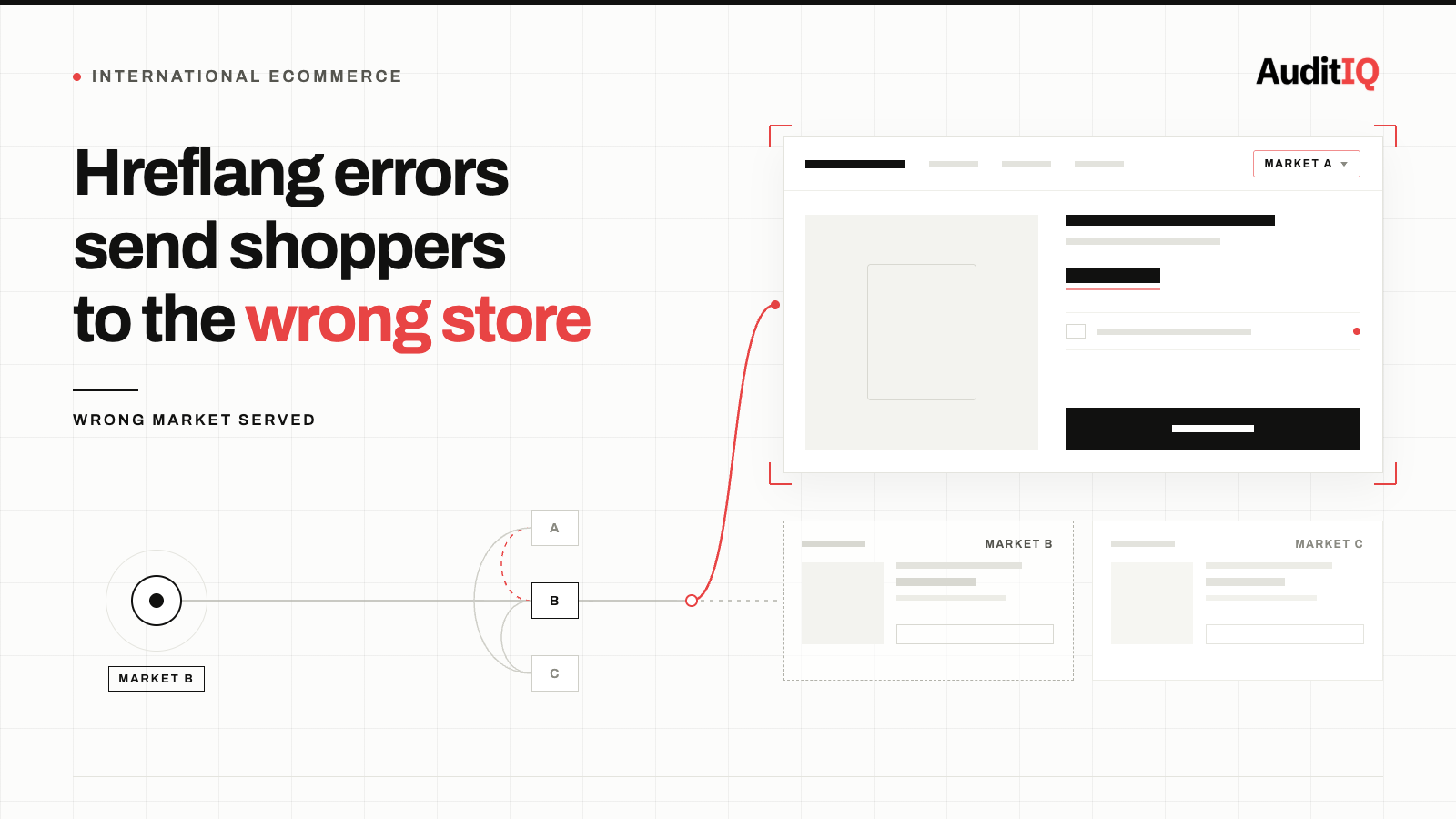
Google shows international customers the wrong version of an eCommerce store, wrong currency, wrong language, or a market where the product isn’t even available, mainly because of hreflang errors: missing return tags, a missing x-default fallback, products that don’t exist in every market, or incorrect language and region codes. A single error breaks the entire hreflang cluster for that page, so the customer bounces and analytics simply logs it as a normal bounce, not a misdirected visitor. Fixing it means auditing every market version for bidirectional hreflang tags and correct codes, then verifying the fix from each target country.
When Google serves a German customer your US store with prices in dollars, or a French shopper your UK store with shipping options that don't apply to their country, that customer bounces immediately, and your analytics records it as a normal bounce rather than a hreflang failure. An Ahrefs study of 374,756 domains found that 67% of websites using hreflang have at least one issue, and a single error in an hreflang cluster causes Google to ignore all hreflang annotations for that page set. For international eCommerce stores, this means entire market segments may be silently seeing the wrong store version with wrong prices, wrong currencies, and unavailable products.
What hreflang errors look like to your international customers
Hreflang errors don't generate a visible error message. Instead, they create a seamless but wrong experience:
- A customer in France searches for a product, clicks your Google result, and lands on your US store showing prices in USD instead of EUR
- A customer in Germany sees products marked as “in stock” that are only available from your UK warehouse, with international shipping fees they don't expect
- A customer in Canada sees your US product page ranking for their search, with US tax rules, US-only promotions, and US shipping options
- A customer in Spain lands on your English-language store even though you have a fully localised Spanish version
In every case, the customer sees a real page that works, but it's the wrong page for their location. They leave. Your analytics records a bounce. You never know the customer was served the wrong version.
Why hreflang breaks so often on eCommerce sites
eCommerce stores are especially vulnerable to hreflang errors because of several structural factors specific to running a multi-market catalogue:
Missing x-default: The single most common error
In Ahrefs’ study, the most common hreflang issue by far was a missing x-default annotation, present on 56.3% of domains studied. Your hreflang implementation should include an x-default annotation pointing to the page Google should serve when no specific language or region match exists. Without it, Google makes its own choice about which version to show a customer whose location or language doesn’t match any of your declared markets, and that choice is frequently the wrong one.
Missing return tags
Every hreflang annotation requires a bidirectional confirmation. If your US store page points to your French store page with hreflang="fr-FR", the French page must point back to the US page with hreflang="en-US". If either direction is missing, Google ignores the entire cluster. On an eCommerce site with thousands of products, a single broken return tag on one market version causes Google to ignore hreflang for that product across all markets.
Products that exist in some markets but not others
When a product is available in your US and UK stores, but not your German store, the German product URL returns a 404 or redirect. This breaks the hreflang cluster for that product across all markets because the German annotation points to a non-existent page. Google ignores the entire hreflang set, and may serve US or UK customers the wrong version too.
Platform migrations and market launches
Site migrations of international eCommerce stores are one of the most common places hreflang clusters break, because redirect maps are built around preserving rankings for existing URLs and routinely miss preserving the hreflang relationships between them. Published migration case studies from eCommerce agencies have documented organic traffic drops ranging from roughly 40% to over 60% in the weeks following a poorly planned international migration. When you add a new market, change URL structures, or migrate platforms, every hreflang annotation must be updated simultaneously across all existing markets, and most migration plans miss this.
Dynamic URLs and session parameters
eCommerce platforms frequently append session IDs, currency selectors, or A/B test parameters to URLs. If the hreflang annotation points to the canonical URL but the page renders with a session parameter, Google may treat them as different pages and ignore the annotation.
Incorrect language and region codes
Using en-UK instead of en-GB (the correct ISO 3166-1 code for the United Kingdom) silently invalidates the annotation. Google does not report this as an error in Search Console; it simply ignores the tag.
How to diagnose hreflang failures
Step 1: Check Google Search Console International Targeting report
Navigate to Legacy tools and reports → International Targeting → Language tab. Search Console flags some hreflang errors here, including missing return tags. However, this report does not catch all error types and may not update in real time.
Step 2: Crawl your site with hreflang validation enabled
Use a crawler like Screaming Frog with hreflang validation enabled to audit every page across all market versions. Look for:
- Missing self-referencing hreflang tags (every page must include a tag pointing to itself)
- Missing or broken return tags (every annotation must be bidirectional)
- Hreflang tags pointing to non-200 URLs (redirected or 404 pages break clusters)
- Incorrect language or region codes
- Hreflang tags pointing to non-canonical URLs
Step 3: Manually test from target countries
Use a VPN or Google's search location emulation to search for your key products from each target market. Verify that Google serves the correct market version in the search results. Check the URL, currency, language, and pricing on the landing page.
Step 4: Cross-reference analytics by country
In GA4, compare bounce rate and session duration segmented by country against the market version the user landed on. If German visitors have a significantly higher bounce rate on your US store than on your DE store, hreflang may be misdirecting traffic.
Step 5: Validate the x-default fallback
Confirm your x-default annotation is present and points to a sensible fallback page. Google’s own guidelines for localized versions cover the full syntax and rules for hreflang, including how x-default and return tags are expected to work. If x-default is missing, Google makes its own choice, which may not be the version you want.
How to fix the most common eCommerce hreflang errors
- Missing x-default: Add an x-default annotation to every hreflang cluster, pointing to your global homepage, a language/region selector page, or the market version you most want unmatched visitors to see.
- Missing return tags: Ensure every hreflang cluster is fully bidirectional. If you have five market versions, each page needs five hreflang tags, one for each market including itself. Automate this through your CMS or platform rather than managing it manually.
- Products not available in all markets: For products that don't exist in a specific market, point the hreflang annotation to the closest equivalent (category page, search results, or homepage) rather than a 404. Or remove that market from the hreflang cluster for that specific product and handle it with x-default.
- Incorrect region codes: Audit all codes against ISO 639-1 (language) and ISO 3166-1 Alpha-2 (country). Common mistakes: en-UK should be en-GB, zh-TW is correct for Traditional Chinese in Taiwan, and language-only tags like en without a region code target all English speakers globally.
- Platform-generated URL inconsistencies: Ensure hreflang tags use the exact canonical URL for each page. If your platform appends parameters, use the canonical URL in the hreflang annotation, not the parameterised version.
How to verify recovery
After fixing hreflang errors:
- Recrawl all market versions and confirm zero hreflang validation errors
- Request indexing of corrected pages through Google Search Console
- Wait 1–2 weeks for Google to recrawl and reprocess the annotations
- Test from each target country using a VPN or location emulation to verify Google serves the correct market version
- Monitor GA4 country-level bounce rates for improvement on the correct market versions
Prevention and continuous monitoring
Hreflang breaks every time you add a product to one market but not another, launch a new country version, migrate platforms, change URL structures, or update your CMS configuration. The errors are silent, cumulative, and invisible to standard monitoring because Google does not report “wrong version served” as a metric. This is precisely the kind of silent, revenue-draining failure AuditIQ’s SEO Audit is built to catch across every market version of your store:
- Weekly crawl of up to 20,000 pages: comprehensive coverage of every market version in your catalogue, not just your primary domain.
- 100+ checks per page: hreflang validity alongside titles, canonicals, structured data, and internal links, so a broken cluster surfaces alongside every other technical SEO issue, not in a separate tool.
- Critical/Medium/Minor categorisation: prioritised findings so a hreflang break affecting your entire German catalogue gets fixed before a minor issue on one product page.
- Affected pages list: every hreflang issue links directly to the exact pages and market clusters it affects, no manual crawl-and-cross-reference required.
- Competitor analysis: benchmark your international SEO health against up to 4 competitors, so you know whether a hreflang gap is costing you rank position specifically in a given market.
Beyond international SEO, AuditIQ is a 360° eCommerce monitoring platform purpose-built for Magento, Adobe Commerce, and Shopify stores. It continuously monitors every critical layer of a store, performance, infrastructure, SEO, security, user experience, configuration, and code quality, from a single, unified dashboard, so hreflang regressions are caught before they accumulate into weeks of misdirected international traffic and lost cross-border revenue.
Start monitoring your international SEO for free today to catch the next hreflang break before it costs you a market's worth of traffic.
Others also read
- Why did my eCommerce organic traffic drop after a theme or app update?
- Product rich results not showing in Google? How to fix structured data errors costing you eCommerce clicks
- eCommerce product pages returning 404? How to find and fix broken URLs silently losing you traffic and revenue
Frequently asked questions
1. Does Google always follow hreflang tags?
No. Hreflang tags are a signal, not a directive. Google may override them based on other signals like content language, user location, and page authority. But correct hreflang implementation is the strongest signal you can provide.
2. Can IP-based redirects replace hreflang?
No. IP-based redirects can block Googlebot from crawling your international versions because Google crawls primarily from US IP addresses. Use hreflang for search engine targeting and keep all versions accessible to all crawlers.
3. How long does it take for hreflang fixes to take effect?
Google typically recrawls and reprocesses hreflang annotations within 1 to 4 weeks, depending on your site's crawl frequency and page importance. High-traffic product pages are recrawled faster.
4. Does Shopify Markets handle hreflang automatically?
Shopify Markets generates hreflang tags automatically for configured markets. However, you still need to verify that the tags are correct, especially when products are not available in all markets, when custom domains are used, or when third-party apps modify page headers. Shopify’s own developer documentation on hreflang covers exactly what gets generated automatically and where manual verification is still needed.
About the author
Ginny Ngo writes from AuditIQ's experience monitoring eCommerce performance, SEO, security, and reliability issues across Magento, Shopify, WooCommerce, and Adobe Commerce stores.