Your eCommerce SSL certificate will expire more often now: What happens to checkout when it does
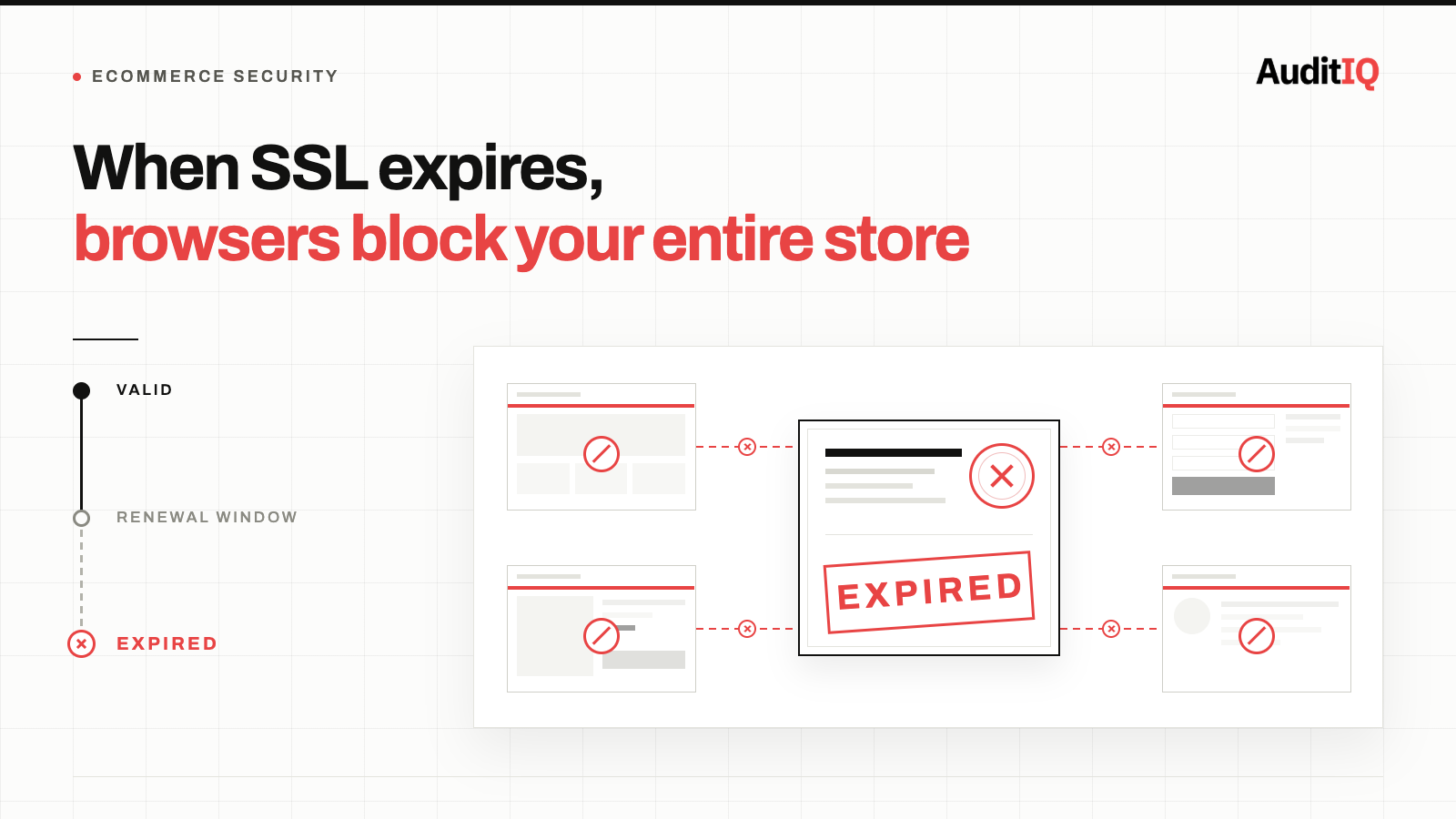
Summary: When an eCommerce SSL certificate expires, every major browser immediately blocks the entire store with a full-screen security warning, checkout, product pages, and the homepage, and almost no shopper clicks through it. Certificates now expire roughly twice as often as before (maximum validity dropped to 200 days as of March 15, 2026, on the way to 47 days by 2029), and managed platforms like Shopify only cover your default domain, not custom domains, headless frontends, or CDN-level certificates. The fix is monitoring certificate validity from the customer's browser, not just server uptime.
When an SSL/TLS certificate expires on an eCommerce store, every major browser immediately displays a full-screen security warning that blocks all visitors from reaching any page, including checkout, product pages, and the homepage. There is no partial failure. There is no graceful degradation. Every customer is blocked until the certificate is renewed and deployed. And as of March 15, 2026, certificates expire more frequently than they used to.
What certificate expiry looks like to your customers
An expired SSL certificate does not produce a subtle indicator. It produces an unmistakable barrier:
- Chrome: “Your connection is not private” with a red warning triangle and
NET::ERR_CERT_DATE_INVALID - Firefox: “Warning: Potential Security Risk Ahead” with a block page
- Safari: “This Connection Is Not Private” with a warning that attackers might be trying to steal information
- Edge: “Your connection isn’t private” with a full-page interstitial
The critical detail: these warnings require the visitor to actively click “Advanced” and then “Proceed” to bypass them. Virtually no shopper does this on an eCommerce site. Every visitor blocked is a visitor generating zero revenue for as long as the outage lasts, and because the failure is total rather than partial, the cost scales directly with your normal traffic and average order value for every hour the certificate stays invalid, on top of any paid traffic still landing on the blocked page.
Why certificates are about to expire more often
The CA/Browser Forum, the standards body that governs SSL/TLS certificate issuance, approved a phased reduction in certificate validity that is already underway:
- March 15, 2026 (already in effect): Maximum certificate validity drops to 200 days. Domain validation data reuse is also limited to 200 days.
- March 15, 2027: Maximum validity drops further to 100 days.
- March 15, 2029: Maximum validity reaches 47 days.
This means a certificate that used to last 398 days (roughly 13 months) now lasts a maximum of 200 days (roughly 6.5 months). By 2029, it will last less than 7 weeks.
For eCommerce merchants, the practical impact is straightforward: certificate renewal events happen roughly twice as often now, and will happen 8 times more often by 2029. Every renewal is a potential failure point, and certificate-related outages are a well-documented pattern across the industry, well before this latest round of shortening even began.
Domain validation reuse is also shrinking
It isn’t just the certificate's lifespan that's getting shorter. The period during which a certificate authority can reuse your domain validation, the proof that you actually control the domain, is dropping on the same schedule: 200 days now, 100 days from 2027, and just 10 days by 2029. In practice, this means renewal isn’t only about re-issuing a certificate; from 2029 onward, most renewals will also require re-proving domain ownership, which is one more automated step that can silently fail if a DNS record, CNAME, or validation file changes in the meantime.
Why managed hosting doesn't eliminate the risk
If you're on Shopify, BigCommerce, or another managed platform, your platform handles certificate issuance for your default domain. But the risk doesn't disappear; it shifts:
- Custom domains with third-party DNS or CDN configurations can break automatic renewal if DNS records change, CNAME verification fails, or the platform cannot complete the HTTP-01 or DNS-01 challenge
- Headless storefronts using a separate frontend domain need their own certificate management, and the certificate on the frontend may not be managed by the eCommerce platform at all
- CDN-level certificates from Cloudflare, Fastly, or AWS CloudFront have their own renewal cycles and failure modes, a CDN certificate expiry blocks your entire store even if the origin certificate is valid
- Subdomain certificates for checkout, API, or staging environments may be managed separately and renewed on different schedules
Self-hosted platforms, WooCommerce on WordPress, Adobe Commerce, Magento Open Source, put certificate management entirely on the merchant or their hosting provider. If you're using Let's Encrypt with Certbot, automatic renewal works well until a cron job fails, a web server configuration changes, or a port 80 challenge path gets blocked by a firewall rule. Then renewal fails silently and the certificate expires on schedule.
The warning signs your tools might miss
If your certificate has expired or is about to, you may notice:
- A sudden, complete drop in traffic and orders across all channels simultaneously
- Google Ads campaigns spending budget but generating zero conversions (customers land on the warning page and bounce)
- Google Search Console errors reporting that Googlebot cannot access your site
- Customers contacting you through social media or phone to report that your site is “not secure” or “hacked”
- Monitoring tools showing the site as “up” (the server responds, but every response is blocked by the browser warning)
The last symptom is critical: most uptime monitoring tools check HTTP response codes, not certificate validity. Your server returns a 200 OK, and your monitoring says “all clear”, while every real customer sees a full-screen warning.
How to check your certificate status right now
Step 1: Verify in browser
Visit your store's homepage and click the padlock icon in the address bar. Look for the certificate expiry date. If it expires within 30 days, you have an urgent renewal to manage.
Step 2: Check all domains and subdomains
Your store may use multiple domains: www.yourstore.com, checkout.yourstore.com, api.yourstore.com, cdn.yourstore.com, and staging environments. Each may have its own certificate with its own expiry date. Check them all.
Step 3: Verify automatic renewal is working
If you use automated renewal (Let's Encrypt, platform-managed, or CDN-managed):
- Check the renewal log for the most recent successful renewal
- Verify the renewal cron job or scheduled task is active and running
- Confirm the DNS records or HTTP challenge paths that renewal depends on haven't changed
- Test renewal manually in dry-run mode if your tooling supports it
Step 4: Set calendar alerts
For every certificate you manage, set alerts at 30, 15, 7, and 1 day before expiry. Don't rely on certificate authority email notifications alone; they go to the email address associated with the certificate, which may be a former employee's address or an unmonitored inbox.
Prevention: Building a certificate lifecycle process
As certificate validity windows shorten, manual tracking becomes untenable. Here's what a resilient certificate management process looks like:
- Inventory all certificates across all domains, subdomains, CDN configurations, and third-party services
- Automate renewal using ACME-compatible tools (Certbot, acme.sh, or platform-native automation)
- Monitor renewal success; automation can fail silently, so verify that each renewal actually completed
- Alert on approaching expiry at multiple intervals (30, 15, 7, 1 day)
- Test the renewal pipeline regularly, not just when it's time to renew
- Monitor from the customer's perspective, verify that real browsers see a valid certificate, not just that the server has one installed
Why this is a monitoring problem, not just an IT task
Certificate expiry is fundamentally different from other eCommerce security risks. A digital skimmer steals data quietly. A vulnerability sits dormant until exploited. But an expired certificate is an immediate, total, visible shutdown of your entire store. It affects 100% of customers simultaneously. And it often happens at the worst possible moment, when the person who manages certificates is on holiday, the renewal email went to a departed colleague, or a DNS change broke the automated renewal two weeks ago and nobody noticed.
The only reliable defence is monitoring that checks your certificate from the outside, the way a customer's browser checks it, and alerts before expiry, not after. This is exactly the gap AuditIQ is built to close, and it covers both layers of the problem:
- Server Monitoring: runs daily SSL/TLS certificate validity checks alongside CPU, disk, PHP end-of-life, and PCI-DSS compliance checks, so an approaching expiry surfaces as an alert with days of runway, not as a support ticket after checkout has already gone dark.
- Uptime Monitoring: checks your storefront continuously from multiple external locations the way a real visitor would reach it, so a renewal failure that a simple “is the server up” check would miss still gets caught and alerted the moment it starts blocking customers.
Beyond certificate monitoring, AuditIQ is a 360° eCommerce monitoring platform purpose-built for Magento, Adobe Commerce, and Shopify stores. It continuously monitors every critical layer of a store, performance, infrastructure, SEO, security, user experience, configuration, and code quality, from a single, unified dashboard, catching certificate issues alongside checkout failures, tracking breakage, and performance regressions that silently erode revenue. When your certificate is approaching expiry, or when a renewal fails and your checkout is about to go dark, you know before your customers do.
Start monitoring your certificates for free today to catch the next expiry before it takes your entire checkout offline.
Others also read
- The $14,000-per-minute downtime problem: Why eCommerce monitoring has become a revenue discipline
- When DNS goes down: The .de TLD Outage and why eCommerce monitoring must go beyond your own servers
- Adobe Commerce 2.4.6 end of support is 8 days away: Most merchants aren't ready for what happens next
FAQs
1. Will Shopify or BigCommerce handle the shorter certificate validity for me?
Managed platforms handle certificate renewal for your primary domain automatically. But custom domains, headless frontends, CDN configurations, and third-party integrations may have certificates that you or your hosting provider manage independently. Verify each one.
2. How do I know if my automatic renewal is actually working?
Check the certificate expiry date in your browser. If it's more than 200 days from the issue date (for certificates issued after March 15, 2026), you may have a pre-change certificate that won't need renewal yet. But if it expires within 30 days, verify your renewal mechanism now; don't wait for the automated process to prove itself under pressure.
3. What happens to my Google Ads when my certificate expires?
Google Ads continues spending your budget, sending paid traffic to your store. But every visitor sees the browser security warning and bounces. You pay for clicks that can never convert. Some merchants don't notice for hours because their ad dashboards show impressions and clicks as normal, only conversions drop to zero.
4. Why didn't my uptime monitoring catch this?
Most uptime monitoring tools check whether the server responds with an HTTP 200 status code. An expired certificate doesn't prevent the server from responding; it prevents the browser from showing the response to the customer. You need certificate-specific monitoring that checks validity dates and alerts proactively.
About the author
Ginny Ngo writes from AuditIQ's experience monitoring eCommerce performance, SEO, security, and reliability issues across Magento, Shopify, WooCommerce, and Adobe Commerce stores.