Why is Your Payment Form Blank on Magento? A Practical Guide to CSP Errors and How to Fix Them
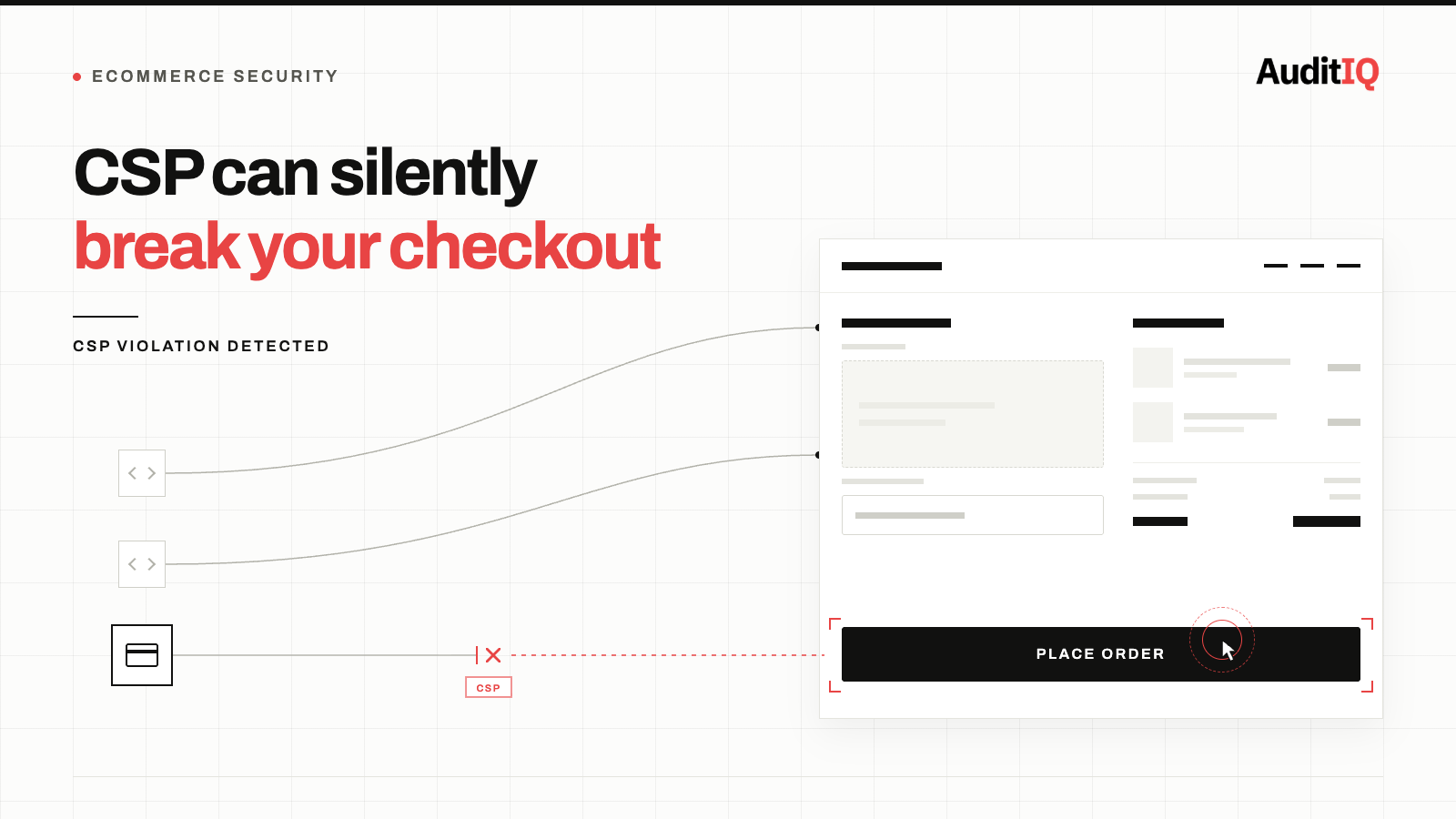
Your payment form is blank most likely because Content Security Policy (CSP) headers that are too restrictive are silently blocking the payment gateway’s script, iframe, or inline code from loading on the checkout page. The fix is not to disable CSP, it’s to build a properly scoped policy that whitelists the specific domains your payment providers require in script-src, frame-src, and connect-src, using nonces for any inline scripts, then verifying every active payment method still works.
Content Security Policy (CSP) headers that are too restrictive silently block payment gateway scripts from loading on checkout pages, preventing customers from completing payment. The fix is not to disable CSP; it is to build a properly scoped policy that allows the specific scripts your payment providers require while blocking everything else. This typically involves adding the correct domains to your script-src directive, enabling nonces for inline scripts, and verifying the policy against every active payment method.
Is CSP breaking your checkout? Look for these signs
If CSP is blocking your payment scripts, customers may experience:
- Blank or missing payment form: the Stripe, Braintree, PayPal, or Adyen payment field does not render on the checkout page
- “Payment method not available” error: the payment option appears in the checkout but cannot be selected or initialised
- 3D Secure authentication failing: the bank’s authentication iframe or redirect is blocked by
frame-srcorframe-ancestorsrestrictions - Checkout page loading but the “Place Order” button doing nothing: the payment SDK script was blocked, so the form submission handler never initialised
- Browser console errors: referencing “Refused to load the script” or “Refused to frame” followed by a CSP directive name
Likely error messages in the browser console include:
Refused to load the script 'https://js.stripe.com/v3/' because it violates the following Content Security Policy directive: "script-src 'self'"Refused to frame 'https://checkout.paypal.com/' because it violates the following Content Security Policy directive: "frame-src 'self'"Refused to execute inline script because it violates the following Content Security Policy directive: "script-src 'self'" Either the 'unsafe-inline' keyword, a hash, or a nonce is required
Why CSP-related checkout failures are becoming more common
Three converging forces are making CSP-related checkout failures more common in 2026:
1. Security hardening driven by PCI DSS 4.0
PCI DSS v4.0 Requirements 6.4.3 and 11.6.1, enforced since April 1, 2025, require merchants to maintain an authorised inventory of every script running on payment pages and deploy a change-and-tamper-detection mechanism for those pages. Many merchants have responded by tightening CSP headers on checkout to meet this requirement, sometimes too aggressively, blocking the very payment gateway scripts that checkout requires to function.
2. Adobe Commerce CSP restrict mode on checkout
Adobe Commerce 2.4.7 (released April 2024) switched CSP restrict mode on by default for payment pages in the storefront and admin areas, while Adobe Commerce keeps report-only mode for all other pages. This means any script not explicitly whitelisted is blocked, not just logged. Extensions, custom payment integrations, and third-party scripts that worked under report-only mode suddenly break under restrict mode. Community forums and developer resources consistently identify this CSP enforcement change as one of the most disruptive aspects of the 2.4.7 upgrade, with multiple reported cases of blank checkout pages caused entirely by missing CSP whitelist entries.
3. Payment providers adding new domains
Payment gateways regularly add new CDN domains, fraud detection scripts, and 3D Secure authentication endpoints. Each new domain requires an update to the CSP whitelist. If your CSP was configured when you first set up the payment integration, it may no longer include all the domains your payment provider now requires.
What’s causing the CSP failure?
- Missing payment gateway domains in
script-src: the most common cause. Your CSP does not include the JavaScript CDN domain for your payment provider (e.g.,js.stripe.com,www.paypal.com,pay.google.com). - Missing iframe domains in
frame-src: 3D Secure authentication and PayPal checkout windows load in iframes. Ifframe-srcdoes not include the bank’s or provider’s authentication domain, the payment confirmation flow breaks. - Inline script blocking without nonce support: many payment integrations inject inline JavaScript. A strict s
cript-srcwithout'unsafe-inline'or a nonce mechanism blocks these scripts. The correct fix is implementing CSP nonces rather than allowing all inline scripts. - CSP set at the server or CDN level overriding application-level policies: Cloudflare, Fastly, or Nginx headers may set a global CSP that overrides or conflicts with the application’s payment-page-specific policy.
- Extension or plugin adding restrictive CSP headers: security plugins or headers modules may apply a blanket CSP policy that does not account for payment page requirements.
- Subresource Integrity (SRI) hash mismatches: Adobe Commerce 2.4.7+ also enables SRI on payment pages by default. If a theme or extension minifies or bundles JavaScript after the SRI hash was generated, the browser will refuse to execute the script even when the domain itself is correctly whitelisted in CSP. This produces a similar-looking failure to a CSP block but requires regenerating the SRI hash to fix, not a whitelist change.
Immediate steps to diagnose a CSP checkout failure
Step 1: Check the browser console on your checkout page
Open your checkout page in Chrome, press F12, and look at the Console tab. Any CSP violation will appear as a red error with the exact directive that blocked the resource and the URL that was refused.
Step 2: Check the CSP Report-URI or reporting endpoint
If you have CSP reporting configured, review the violation reports. They will tell you exactly which resources are being blocked and by which directive. If you do not have reporting configured, this is the single most valuable CSP feature to enable first.
Step 3: Test every payment method
Do not test only your primary payment method. Test every payment option offered at checkout:
- Credit/debit card (direct form)
- PayPal (redirect and in-context checkout)
- Apple Pay / Google Pay (digital wallets)
- BNPL providers (Klarna, Afterpay, Affirm)
- 3D Secure authentication flow for each card network
Step 4: Identify all required domains
For each payment provider, identify every domain that loads JavaScript, iframes, images, or stylesheets on your checkout page. Common examples:
| Payment Provider | Typical Script Domains |
|---|---|
| Stripe | js.stripe.com, m.stripe.network, q.stripe.com |
| PayPal | www.paypal.com, www.sandbox.paypal.com, t.paypal.com |
| Braintree | js.braintreegateway.com, assets.braintreegateway.com |
| Adyen | checkoutshopper-live.adyen.com, checkoutshopper-test.adyen.com |
| Klarna | x.klarnacdn.net, js.klarna.com |
Step 5: Update your CSP policy
Add the identified domains to the appropriate CSP directives:
script-srcfor JavaScript filesframe-srcfor iframes (3D Secure, PayPal checkout windows)connect-srcfor API calls and XMLHttpRequest/fetch requestsimg-srcfor card brand logos and payment provider imagesstyle-srcfor payment form styling
Fixing CSP checkout issues in Adobe Commerce
If you are running Adobe Commerce 2.4.7 or later and checkout is broken after upgrading, the CSP restrict mode enforcement on checkout pages is the most likely cause. The recommended approach:
- Do not disable CSP entirely. Modules that disable CSP remove a critical security protection that PCI DSS compliance now expects.
- Add your payment provider domains using a custom CSP module. Create a
csp_whitelist.xmlfile in your custom module that adds the required domains to the appropriate directives for thecheckoutandpaymentareas. - Check all installed extensions. Third-party extensions that load scripts on checkout may not include their own CSP whitelist entries. Review each extension’s documentation or contact the vendor.
- Use CSP report-only mode temporarily during testing. Switch to
Content-Security-Policy-Report-Onlywhile you build your whitelist, then switch back to enforcement mode once all violations are resolved.
How to verify your checkout after a CSP fix
After updating your CSP:
- Clear all caches (application, CDN, browser)
- Open checkout in a private/incognito window
- Verify that all payment forms render correctly
- Complete a test transaction with each payment method
- Verify 3D Secure authentication completes successfully
- Confirm the browser console shows zero CSP violations on checkout pages
- Monitor CSP violation reports for 7 days to catch any missed domains
Prevent CSP from silently breaking checkout again
CSP-related checkout failures recur every time a payment provider adds a new domain, every time you add a new payment method, and every time a platform update changes CSP enforcement behaviour. A whitelist that’s correct today can silently go stale the moment any one of those things changes, and the first sign is usually a drop in completions for one payment method, not an alert anywhere in your admin.
This is exactly the gap AuditIQ’s CSP Monitoring is built to close:
- Real-time CSP violation detection: every blocked script, image, or resource on your checkout logged as it happens, instead of waiting for a customer complaint or a drop in completions.
- Violations across all domains: track CSP violations across every subdomain and storefront in your portfolio, so a whitelist gap on one market version or headless frontend doesn’t go unnoticed.
- Complete violation context: page URL, blocked resource, directive violated, and timestamp for every event, so you go straight to the fix instead of reproducing the failure yourself.
- Advanced violation monitoring: trend analysis and pattern detection to distinguish a genuine new attack attempt from a routine whitelist gap after a payment provider update.
- Multi-platform support: works across Magento, Adobe Commerce, Shopify, and WooCommerce, so the same monitoring covers a CSP restrict-mode rollout on Adobe Commerce and a headless Shopify storefront alike. Beyond CSP monitoring, AuditIQ is a 360° eCommerce monitoring platform purpose-built for Magento, Adobe Commerce, and Shopify stores. It continuously monitors every critical layer of a store, performance, infrastructure, SEO, security, user experience, configuration, and code quality, from a single, unified dashboard, catching CSP-related checkout failures before they accumulate into lost revenue.
Start monitoring your checkout for free today to catch the next CSP violation before it blocks a single order.
Others also read
- Payment plugin gets patched, your checkout doesn't verify itself: The revenue gap between security updates and storefront integrity
- The WebRTC Skimmer Threat: Why real-time eCommerce monitoring is no longer optional
- 40,000 WooCommerce checkouts compromised: Why real-time store monitoring is no longer optional
FAQs
1. Should I just disable CSP on my checkout page?
No. CSP is a critical defence against digital skimming attacks (Magecart) that target checkout pages. Disabling CSP removes protection that PCI DSS compliance requires. The correct approach is a properly scoped policy that allows your payment providers while blocking unauthorised scripts.
2. How do I know if CSP is the problem and not a payment gateway outage?
CSP violations are visible in the browser’s developer console. If you see “Refused to load the script” or “Refused to frame” errors with a CSP directive reference, the problem is your policy, not the payment provider.
3. Will my payment provider tell me which domains to whitelist?
Most major payment providers publish CSP integration guides. Stripe, Adyen, and Braintree all document their required domains. If your provider does not, open checkout in a browser with CSP in report-only mode and capture every domain that triggers a violation report.
4. Does this affect Shopify stores?
Shopify manages CSP headers on its hosted checkout, so most Shopify merchants are not directly affected. However, Shopify headless storefronts using Hydrogen and custom storefronts that self-host checkout require merchant-managed CSP policies, where this problem fully applies.
About the author
Ginny Ngo writes from AuditIQ's experience monitoring eCommerce performance, SEO, security, and reliability issues across Magento, Shopify, WooCommerce, and Adobe Commerce stores.