Your consent banner update just broke GA4 eCommerce tracking: How to diagnose and restore purchase events after CMP changes
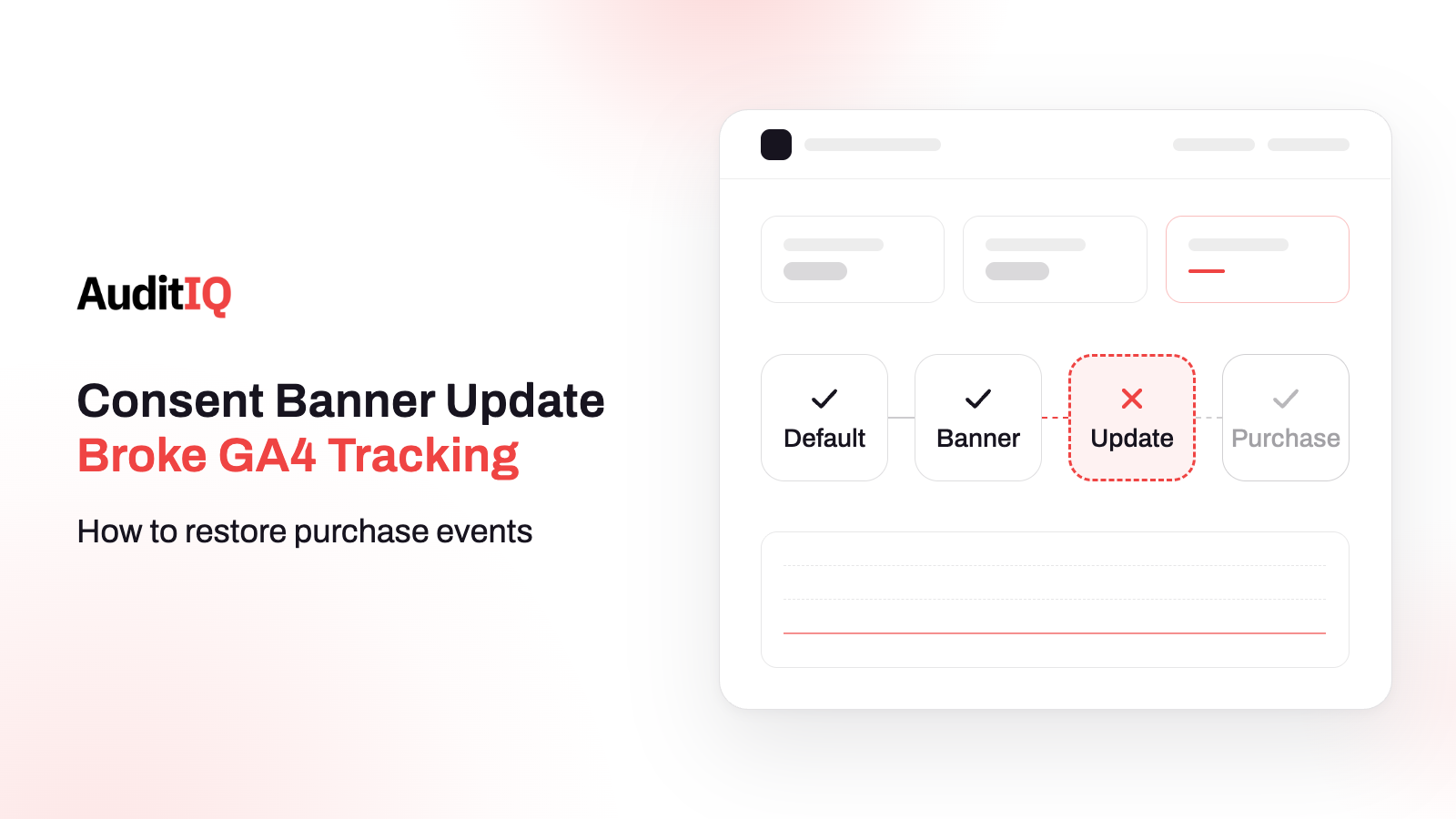
GA4 purchase events usually stop after a CMP update because the consent signal chain broke, not the banner: the default state is set too late, the update after “Accept” is never sent, or a consent category was remapped. Check the order of the default and update events in Google Tag Assistant, confirm the purchase tag fires after consent, then compare GA4 purchases with your platform’s orders.
A consent banner can look perfect and still switch your analytics off. It shows, it accepts clicks, it stores a choice, and yet the signal that tells Google’s tags they may measure never arrives in the right order. The result is a quiet fall in GA4 purchase events and Google Ads conversions with no deployment, no error, and no alert, while orders keep arriving in your platform.
This guide explains how consent mode controls your tags, how to recognise a broken chain, what usually causes it after a CMP change, how to diagnose it step by step in Tag Assistant, and how to restore and monitor it. It also separates consent problems from tracking problems that only look like them. Merchants can use the tables to brief their agency or analyst, and agencies can use the steps as a runbook.
How does consent mode control your GA4 purchase events?
Your CMP translates the visitor’s choice into four consent signals that Google’s tags read before they measure anything:
| Signal | What it controls | Ecommerce impact |
|---|---|---|
analytics_storage |
Storage such as cookies and device identifiers for analytics | GA4 measurement, including purchase events |
ad_storage |
Storage for advertising purposes | Google Ads cookies and advertising measurement |
ad_user_data |
Sending user data to Google for online advertising | Ads conversion measurement and audience use |
ad_personalization |
Personalised advertising | Remarketing and personalised ads |
For these signals to work, the chain has to run in a fixed order. Each link is a place a CMP update can break it:
| Step | What should happen | What a broken update can do |
|---|---|---|
| 1 | The page sets the default consent state before any tag measures | The default arrives after tags have already run, or not at all |
| 2 | The visitor accepts or rejects in the banner | The banner works but is not wired to the consent API |
| 3 | The CMP sends a consent update | The update is never sent, or only for some signals |
| 4 | Tags read the new state | Tags stay governed by the denied default |
| 5 | The GA4 purchase event fires on the confirmation page | The event is blocked, so no purchase is recorded |
Two modes change what you can see. In basic consent mode, Google tags are blocked from loading until the visitor interacts with the banner, and no data is sent before consent. In advanced mode, tags load and send consent-state pings even when consent is denied, which Google can use for modelling where available. Modelling does not replace a working consent implementation, so fix the signals first.
How do you know the consent chain broke? Symptoms and patterns
| What you see | What it suggests | Check first |
|---|---|---|
| GA4 purchases fell on a specific date with no deployment | A change outside your code, often the CMP | The CMP change log against the drop date |
| Purchases and Google Ads conversions fell together | A shared consent or tag problem | Consent events in Tag Assistant |
| Real-time reports show far fewer active users | Analytics tags blocked for many visitors | analytics_storage after Accept |
| Ads conversions fell but GA4 purchases did not | Advertising consent or the GA4 to Ads link | ad_storage and ad_user_data |
| The banner looks and works fine in your own test | A signal problem, not a display problem | Default and update events |
| Platform orders are normal but GA4 purchases are not | Measurement gap, not a sales drop | The purchase event and consent gating |
The most useful single check is the date: if the drop starts the day a CMP was updated, a banner was redesigned, or a consent category was changed, start with the consent chain before touching offers, creatives, or bidding.
What causes GA4 purchase tracking to break after a CMP update?
There is no reliable ranking of causes, so check each rather than assuming one.
The default consent state is set too late
Google’s setup guide says to call the default consent command on every page, before any command that sends measurement data such as config or event. A CMP update that loads the banner asynchronously, or reorders scripts, can break that order. For banners that load later, Google describes a wait_for_update option that gives the CMP a short window to send its update before tags proceed.
The consent update is never sent, or is late
After the visitor chooses, the CMP must send a consent update, and the choice should be remembered so later pages send it too. If the update is missing or arrives after measurement commands have run, tags can stay governed by the denied default even for visitors who clicked Accept.
A consent category was remapped
CMPs group scripts and signals into categories such as necessary, statistics, and marketing. An update that moves analytics into a category that now needs explicit opt-in, with a default of denied, can switch analytics off for everyone who does not actively toggle it. Review the mapping after every CMP version change.
Defaults are denied everywhere
Denying by default is a normal setup for regions that require consent, but if an update applies it to every region, you suppress measurement where your legal advice may not require it. Decide the regional rules with your legal counsel, then check the CMP applies them as intended.
Advertising consent is wrong, even if analytics is fine
Analytics and advertising consent are separate signals, so a CMP can grant one and deny the other. AuditIQ’s earlier article on GA4 and consent mode explains that since June 15, 2026, Google Ads cookie and identifier collection depends on the ad_storage signal rather than the Google Signals setting in GA4. Check both signals independently, and confirm the current rules in Google’s own documentation for your setup.
A script or the CMP itself is blocked
A content security policy, a changed script order, or a failed script load can stop the CMP, the tag manager, or the GA4 tag from running at all. In that case the consent events never appear in Tag Assistant, which is different from events that appear in the wrong order.
How do you diagnose the consent chain step by step?
Step 1: Match the drop date to the change
Compare the day purchases fell with your CMP’s change log, any banner redesign, and any consent policy edit. Even a small version update can change signal behaviour.
Step 2: Check the default consent event
Open Google Tag Assistant on your store in a fresh private window. Google’s consent verification steps say to select the earliest Consent event and confirm the default call set ad_storage, ad_personalization, ad_user_data, and analytics_storage, with the On-page Default column showing Denied where your setup requires it.
Step 3: Accept the banner and check the update
Click Accept, then select the most recent Consent event. The On-page Update column should show Granted for the signals the visitor accepted. If it still shows nothing, the CMP is not sending the update, and if the update appears only after tags have fired, the order is wrong.
Step 4: Check that the purchase tag fires
With consent granted, complete a test purchase and confirm the GA4 purchase tag fires on the order confirmation page and is not marked as blocked by consent.
Step 5: Verify the purchase event itself
In GA4 DebugView, confirm the purchase event arrives with transaction_id, value, currency, and items. Without a stable transaction ID, revenue can be duplicated or missing even after consent is fixed.
Step 6: Compare GA4 with your platform
Compare GA4 purchases with orders in your platform for the same days. Some gap is normal, because visitors who decline consent and ad blockers are not measured, but a sudden new gap that starts with a change points to a broken chain.
Step 7: Check the Google Ads side
If Ads conversions fell and GA4 did not, check the link between GA4 and Google Ads, which conversions are imported, and whether the advertising signals (ad_storage, ad_user_data) are granted when they should be.
How do you restore the consent sequence?
- Put the default consent command first on every page, before the tag manager and any measurement tag.
- If the banner loads asynchronously, use the wait option so tags do not run before the CMP can send its update.
- Make sure the CMP sends an update after every choice, and stores the choice for later pages.
- Review the category mapping so analytics and advertising signals map to the categories you intend.
- Retest in Tag Assistant for each region you apply different rules to, then run a test purchase.
- Do not loosen consent to recover numbers. Fix the signal chain so it reflects what visitors actually chose.
When is the problem not consent?
| What you find | Where to look instead |
|---|---|
| Consent defaults and updates are correct in Tag Assistant | The GA4 configuration tag and the container |
| The purchase event fires but revenue is missing | The value, currency, and items parameters |
| The purchase event does not fire at all | The data layer, the checkout JavaScript, or the trigger |
| GA4 purchases fire but Ads conversions do not | The GA4 to Ads link, conversion import, and ad_user_data |
| Orders exist in the platform but not in GA4 | The confirmation page, JavaScript errors, and consent gating |
How do you know tracking has recovered?
- Tag Assistant shows the default event first and the update after Accept, in the right order.
- DebugView shows a test purchase with all expected parameters.
- GA4 purchases track your platform’s orders again, with a gap you can explain by consent choices and ad blockers.
- Over the following days, Google Ads conversions return in line with GA4 and with orders. Timing varies with conversion volume and attribution settings, so compare trends rather than waiting for a fixed number of hours.
- After a gap in measurement, watch CPA and ROAS before making further bidding changes, because bidding learned from incomplete data.
How do you stop the next CMP change from breaking tracking?
- Test the consent chain in Tag Assistant after every CMP update, banner change, or consent policy edit, before it reaches production if you can.
- Document which consent category controls which signal, so whoever updates the CMP knows the downstream effect.
- Alert on GA4 purchase events against your own baseline and seasonality, and investigate a material fall that traffic, order volume, or a known deployment does not explain.
- Reconcile GA4 purchases with platform orders weekly to catch drift early.
Spotting a tracking break early with AuditIQ
AuditIQ does not read consent states or replace Tag Assistant, DebugView, or your CMP’s logs. It watches the surrounding layers where a tracking break shows up:
- Script Inventory: a ledger of every JavaScript file on the storefront pages it crawls, showing when each was first and last seen, so a CMP or tag manager script that changes or disappears is easy to spot.
- Analytics: shows unsampled Google Analytics data, funnel analysis, and real-time traffic, so a sudden fall in purchases or funnel completion stands out.
- Google Ads: tracks spend, CPC, conversions, CPA, and ROAS, and alerts you when they deviate from normal patterns, alongside your site health data.
- CSP Monitoring: logs every content security policy violation with the blocked resource, the page, and the directive, which shows when a policy blocks a CMP or tag script. Pair these with your own consent checks, because monitoring tells you something changed, and Tag Assistant tells you what the consent chain is doing.
Beyond tracking, AuditIQ is a 360° eCommerce monitoring platform purpose-built for Magento, Adobe Commerce, and Shopify stores. It continuously monitors every critical layer of a store — performance, infrastructure, SEO, security, user experience, configuration, and code quality — from a single, unified dashboard, so a quiet measurement break does not run for weeks.
Start monitoring your store for free today and notice tracking changes before your reports do.
Others also read
- Misclassified Cookies: How to fix broken eCommerce checkout
- Google Ads vs. GA4: How to make sense of revenue differences
- Third-party JavaScript on checkout: Security, performance & compliance risks
Frequently asked questions
1. Why does the consent banner work but tracking is still broken?
The banner is only the visible part. It can show, accept clicks, and store a choice while the consent default or update never reaches Google’s tags in the right order, and that part is invisible to visitors.
2. Can Consent Mode Advanced recover the lost data?
Advanced mode sends consent-state pings when consent is denied, and Google may use modelling where available. It does not fix a broken consent implementation, so restore the default and update signals first.
3. How quickly will Google Ads conversions recover?
Google does not publish a recovery time. Monitor conversions over the following days and compare them with GA4 and platform orders, because timing depends on your volume, attribution settings, and how conversions are imported or linked.
4. Why does GA4 show fewer purchases than my platform?
Some gap is normal, because visitors who decline consent and ad blockers are not measured. A new gap that starts with a CMP or site change points to a broken consent chain or a tag problem instead.
5. Should I exclude some countries from consent gating?
That depends on your legal obligations. Many merchants apply stricter gating where consent is required and lighter handling elsewhere, so decide the regions with your legal counsel and then confirm your CMP applies them.
6. Do I need all four consent signals?
Google’s consent mode uses analytics_storage, ad_storage, ad_user_data, and ad_personalization. Set a default for each one you use and make sure the CMP can update each of them.
About the author
Ginny Ngo writes from AuditIQ's experience monitoring eCommerce performance, SEO, security, and reliability issues across Magento, Shopify, WooCommerce, and Adobe Commerce stores.